
Topic
WordPress Security
WordPress18 Oct 2026
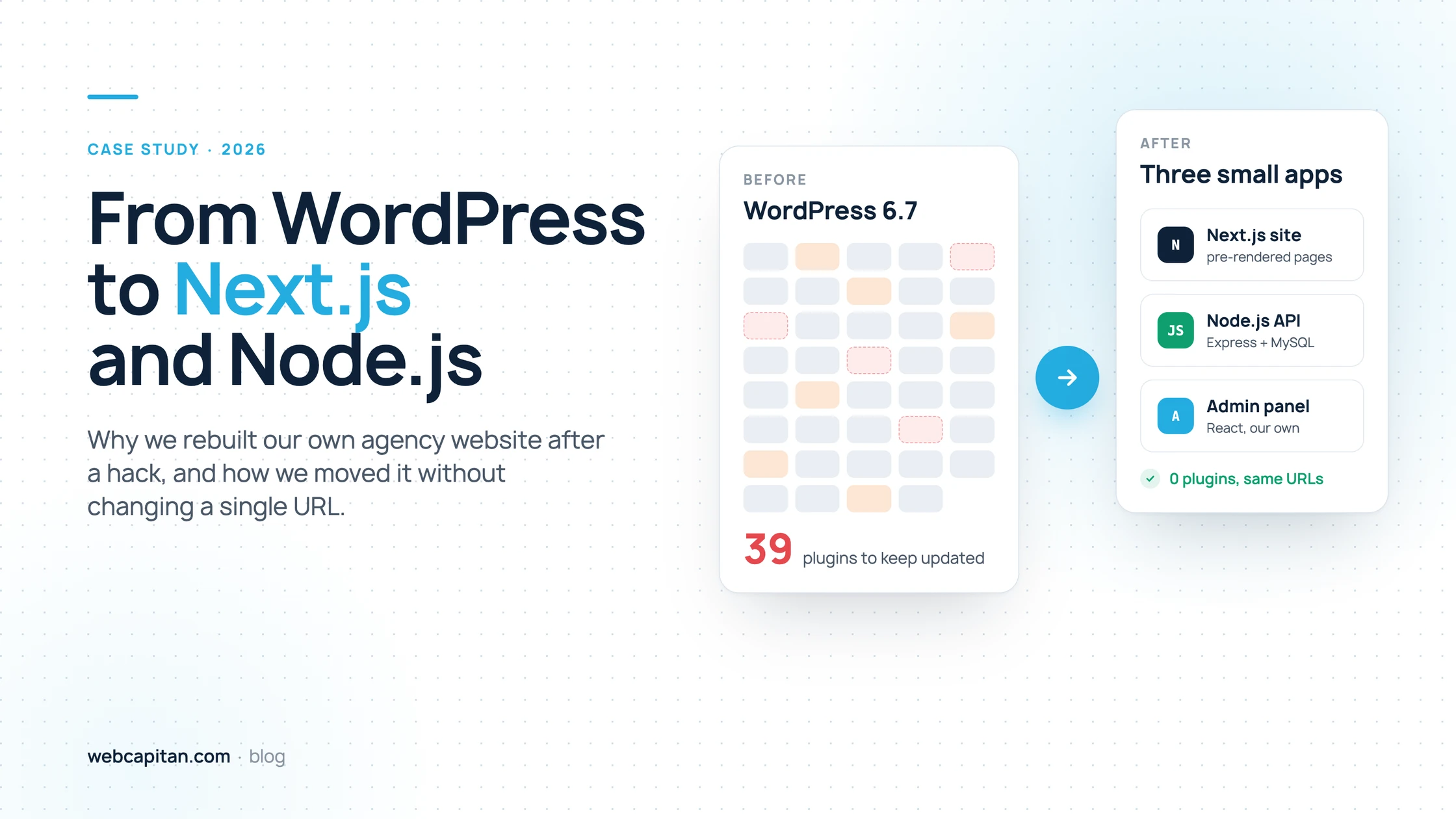
Why We Moved Our Agency Website from WordPress to Next.js and Node.js
How a Japanese keyword hack and 39 plugins pushed us to rebuild webcapitan.com on Next.js and Node.js, and how we migrated without changing a single URL.
Read the article
WordPress12 Oct 2026
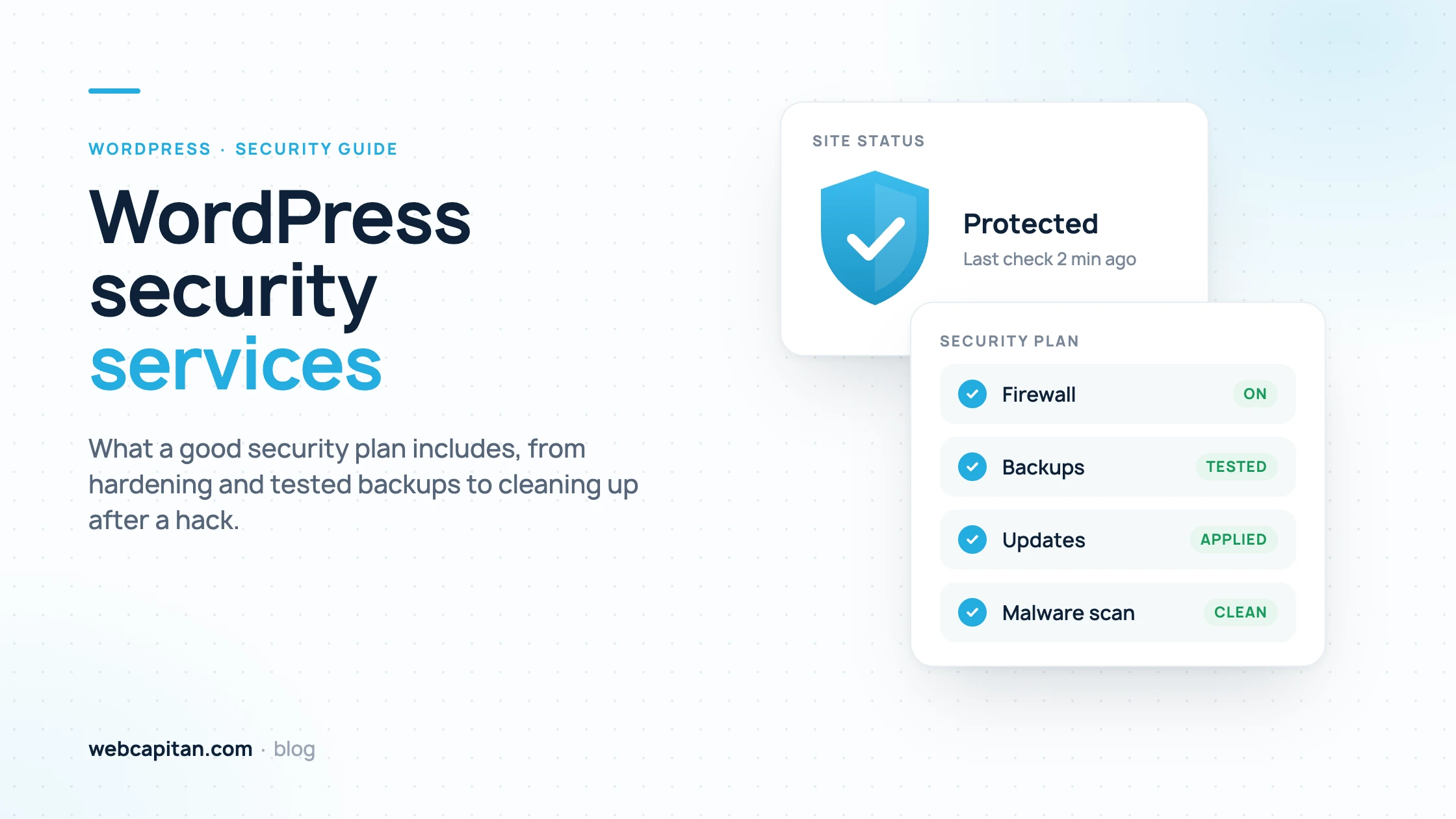
WordPress Security Services: What a Good Security Plan Includes
What WordPress security services should include: hardening, an updates policy, firewall and 2FA, malware scanning, tested off-site backups, monitoring and incident response after a hack, plus a checklist of questions to ask a provider and how pricing works.
Read the article
WordPress22 Sep 2026
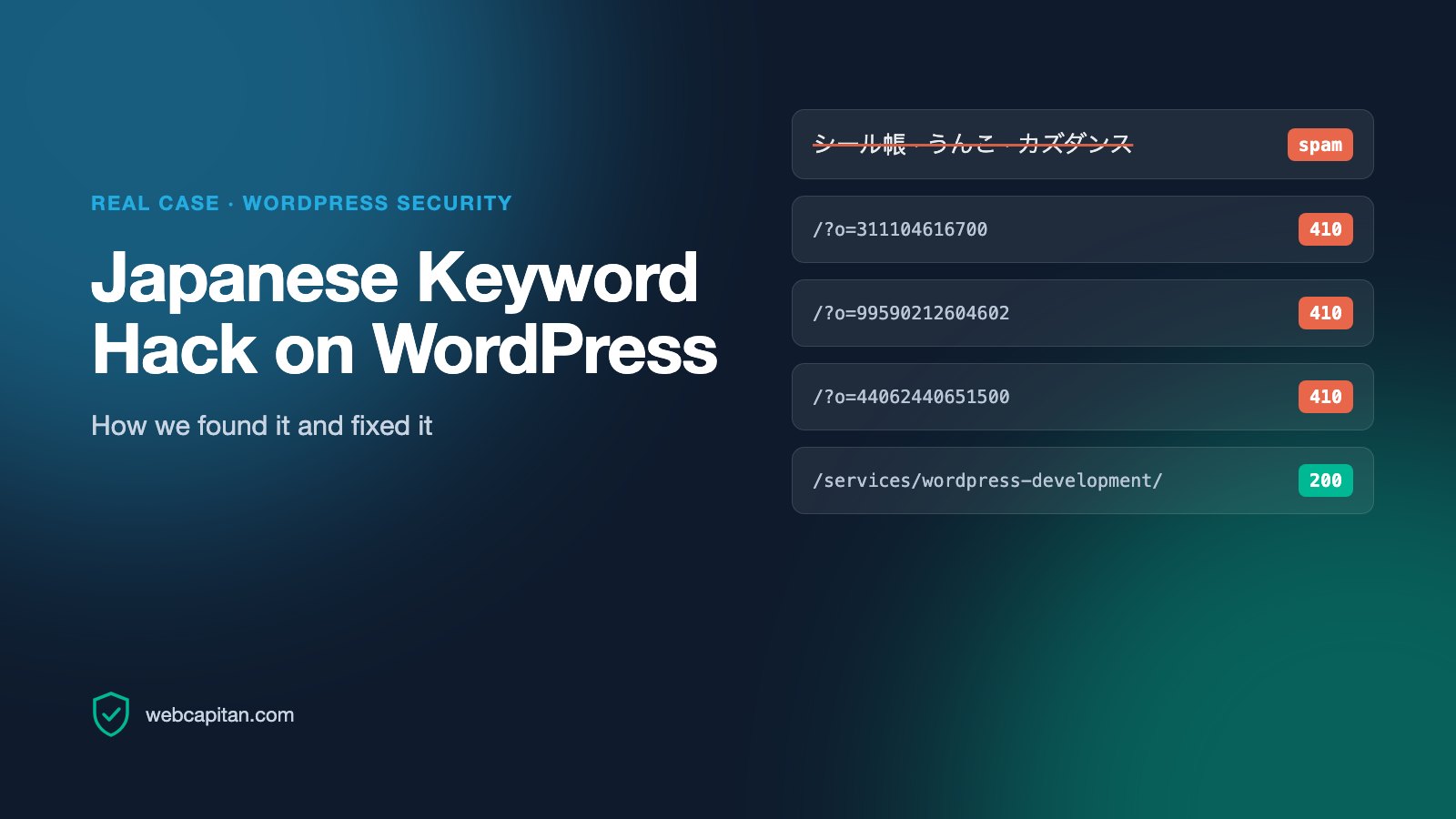
Japanese Keyword Hack on WordPress: How We Found and Fixed It
A real case from our own website: thousands of Japanese spam URLs in Google. How we confirmed the hack, cleaned up, returned 410, avoided the Removals trap and what the data shows.
Read the article
WordPress21 Nov 2023
11 Steps for the Best WordPress Website: Basic Things to Do After Creating a Website on WordPress
You’ve been working on your WordPress website so hard, and now you’re ready to launch the brand-new platform to the audience. Or you hired an expert web design agency and are pleas…
Read the article
WordPress24 Oct 2023
5 Things You Need to Know Before Using WordPress
What do you know about WordPress (WP)? Oh, we can guess! Most users, even those who are far from web development, call it “content management system (CMS) number one around the glo…
Read the article
WordPress security from real cases
Most hacked WordPress websites are not targeted personally. Bots scan for outdated plugins, weak passwords and forgotten admin accounts, then inject spam pages, redirects or malware. Often the owner only notices when strange results appear on Google or traffic drops.
Under this tag we share how to recognise a compromised site, how to clean it and remove spam URLs from Google, and the hardening steps that keep WordPress safe: updates, backups, access rules and monitoring.
Site already hacked, or want to prevent it? See our WordPress security service and WordPress maintenance plans.