
Topic
WordPress
WordPress23 Oct 2026
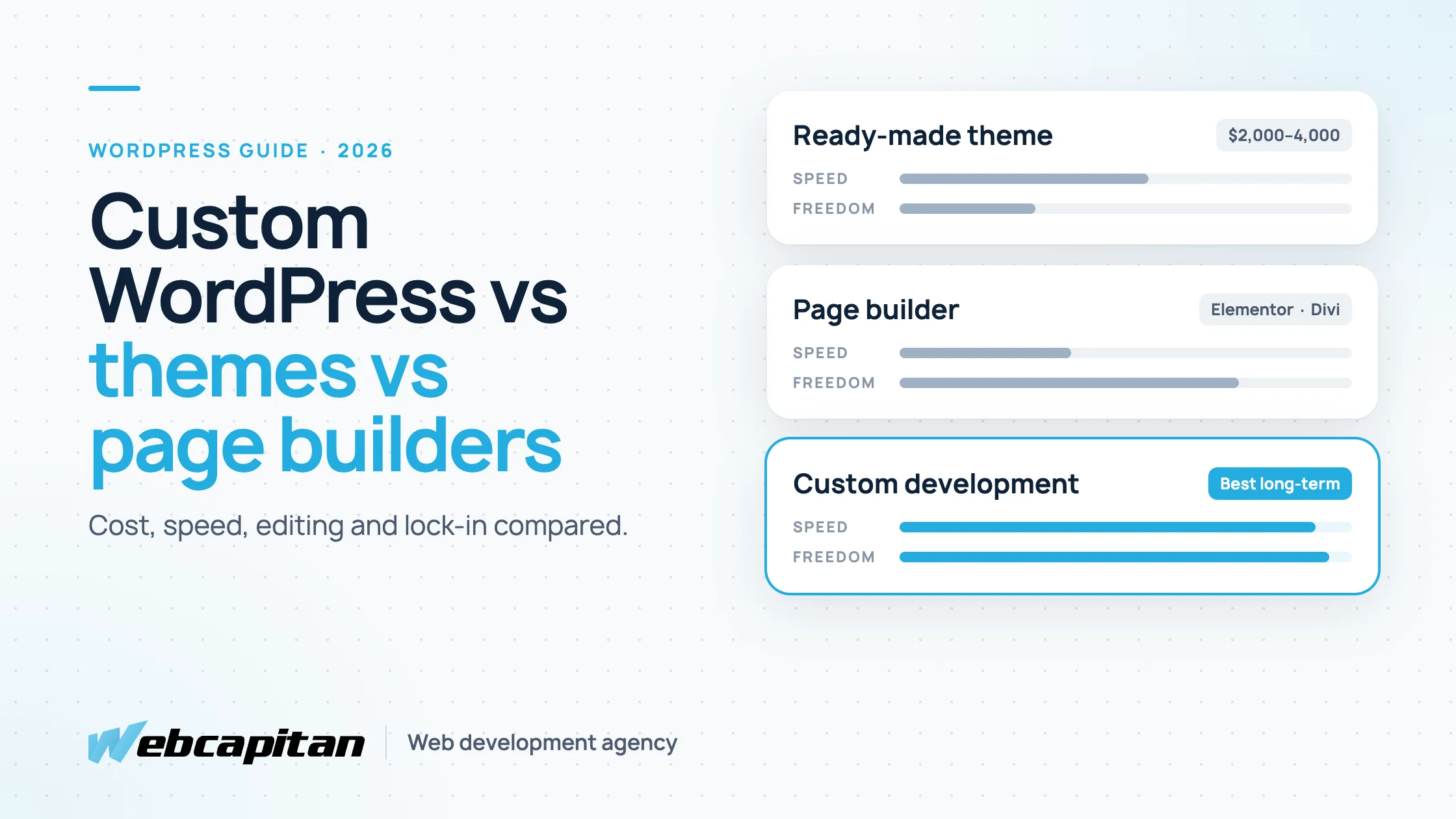
Custom WordPress Development vs Themes vs Page Builders
Ready-made theme, page builder or custom WordPress development? A comparison of cost, speed, design freedom, editing and lock-in, when each option makes sense, and how to move from a builder to a custom build without losing rankings.
Read the article
WordPress18 Oct 2026
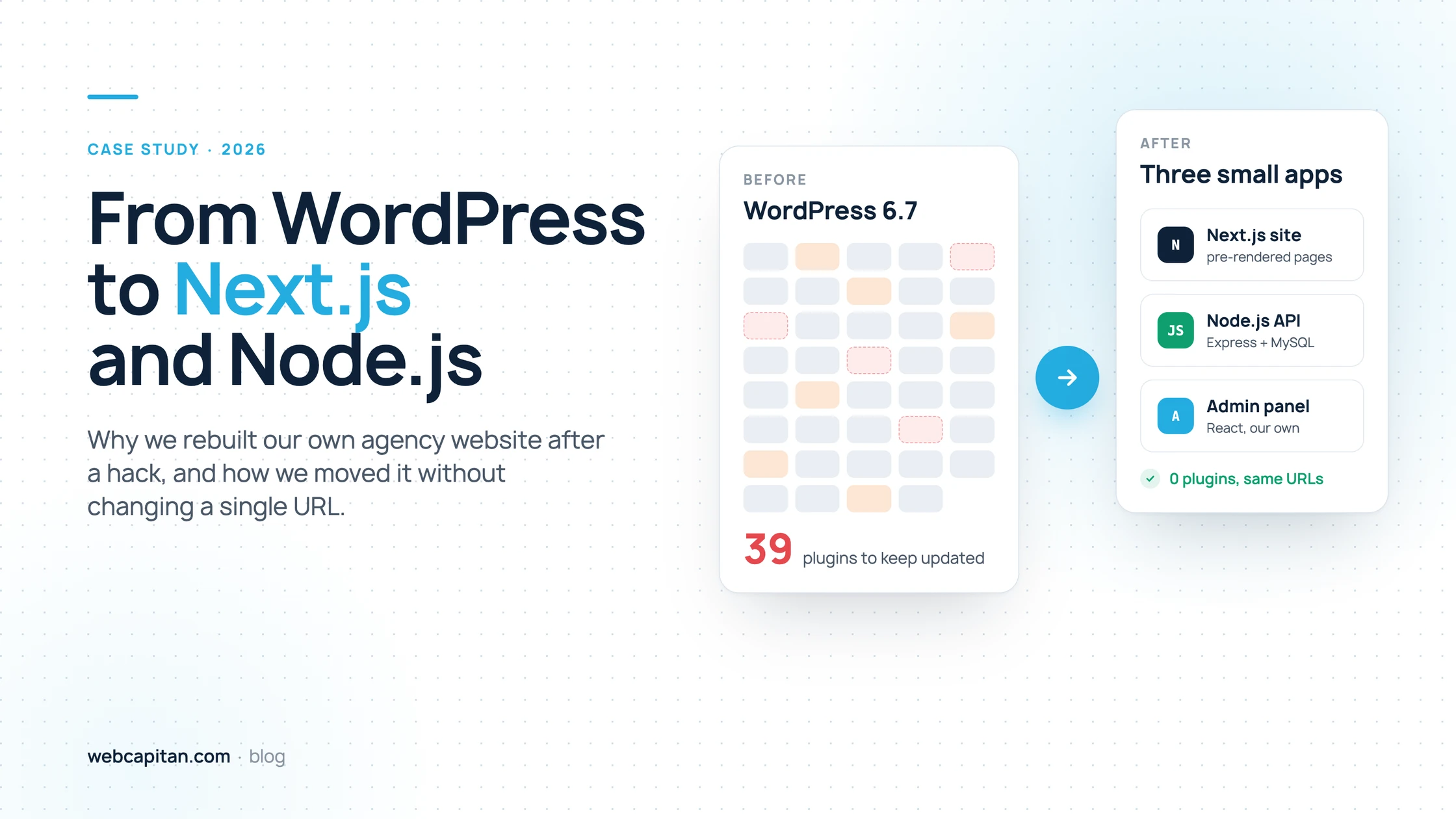
Why We Moved Our Agency Website from WordPress to Next.js and Node.js
How a Japanese keyword hack and 39 plugins pushed us to rebuild webcapitan.com on Next.js and Node.js, and how we migrated without changing a single URL.
Read the article
WordPress12 Oct 2026
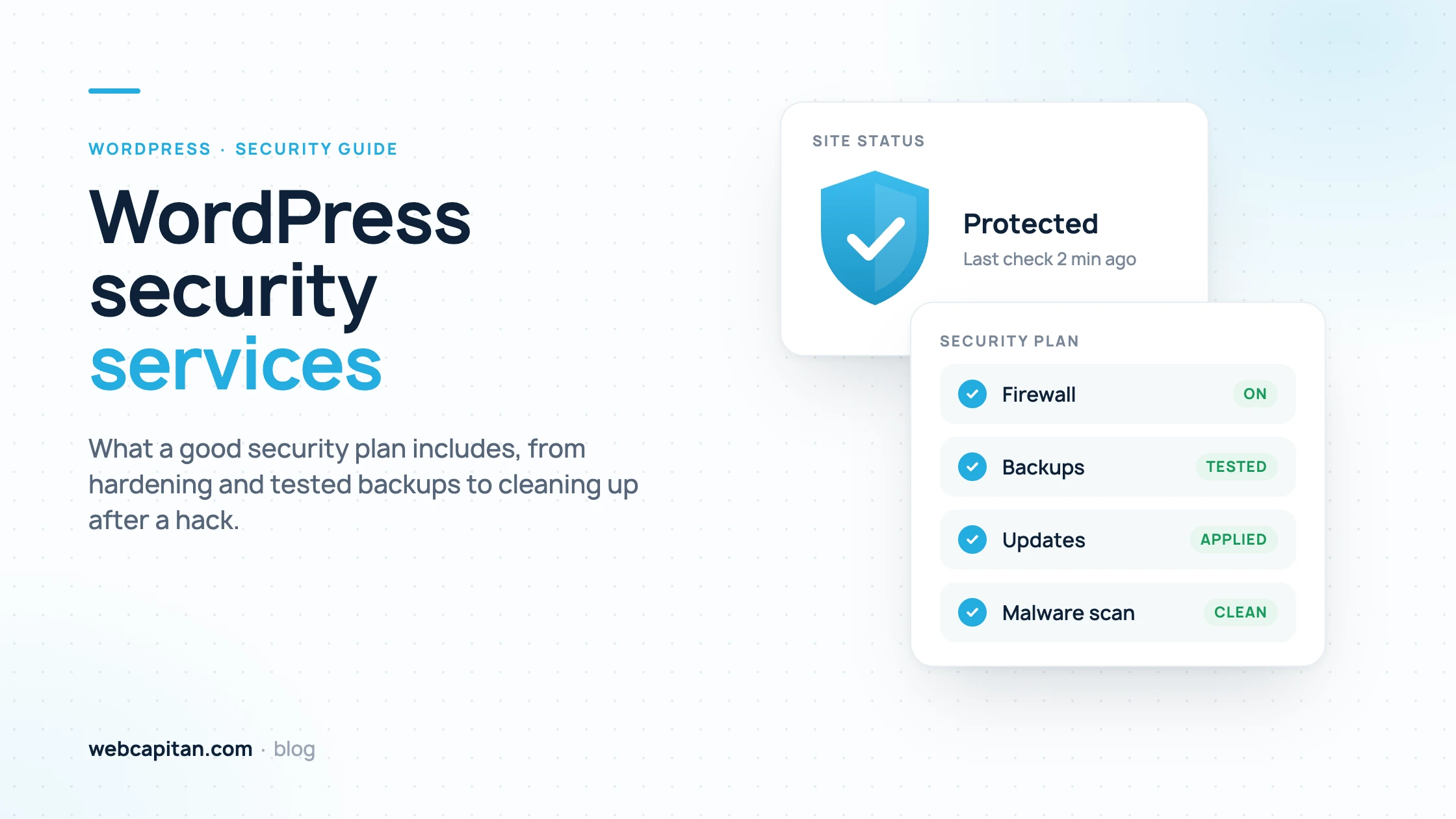
WordPress Security Services: What a Good Security Plan Includes
What WordPress security services should include: hardening, an updates policy, firewall and 2FA, malware scanning, tested off-site backups, monitoring and incident response after a hack, plus a checklist of questions to ask a provider and how pricing works.
Read the article
WordPress04 Oct 2026
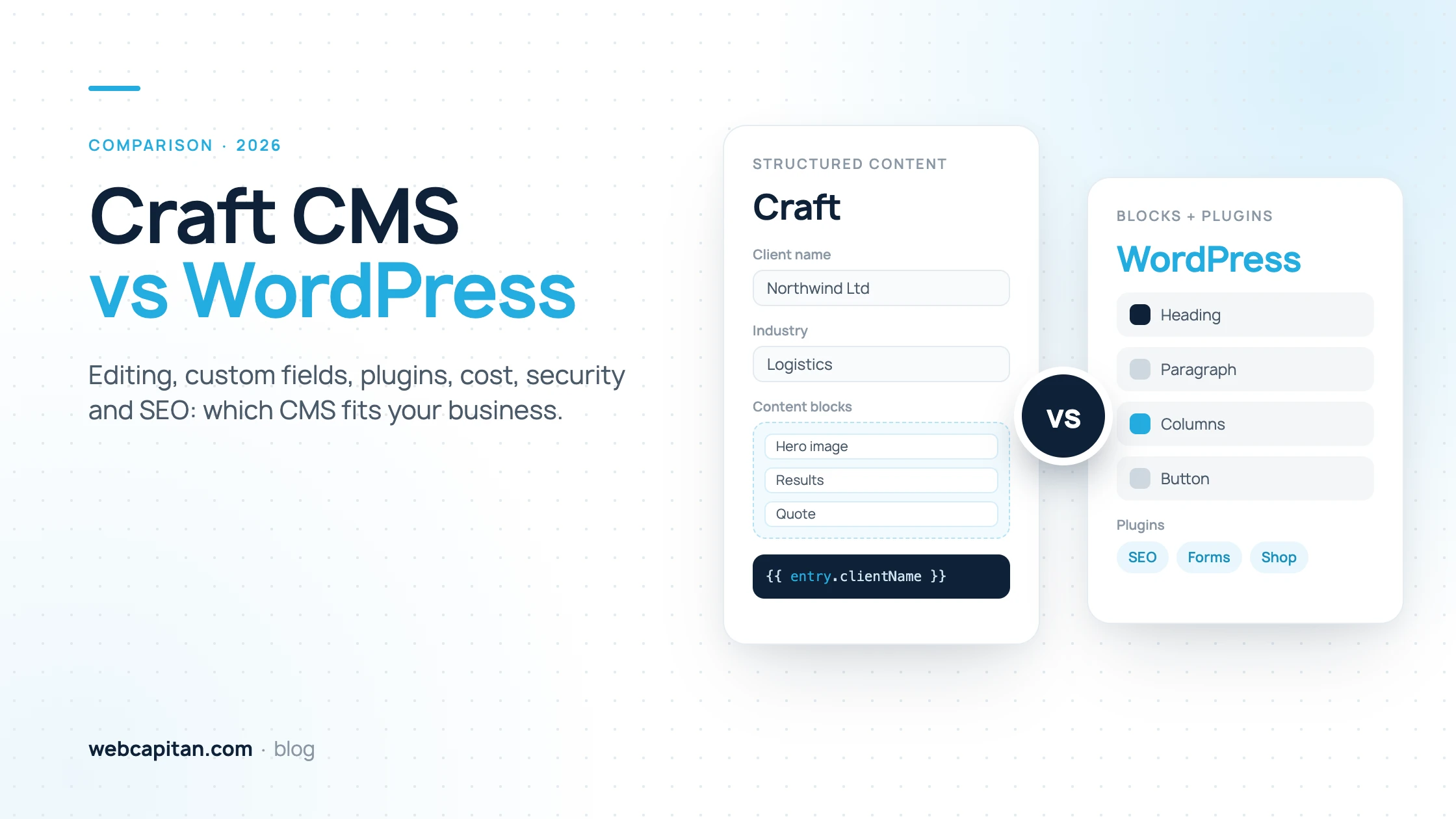
Craft CMS vs WordPress: Which CMS Fits Your Business?
Craft CMS vs WordPress for business owners: how editing, custom fields, plugins, hosting and licence costs, security and SEO compare, with a side-by-side table and clear advice on which CMS suits which kind of website.
Read the article
WordPress29 Sep 2026
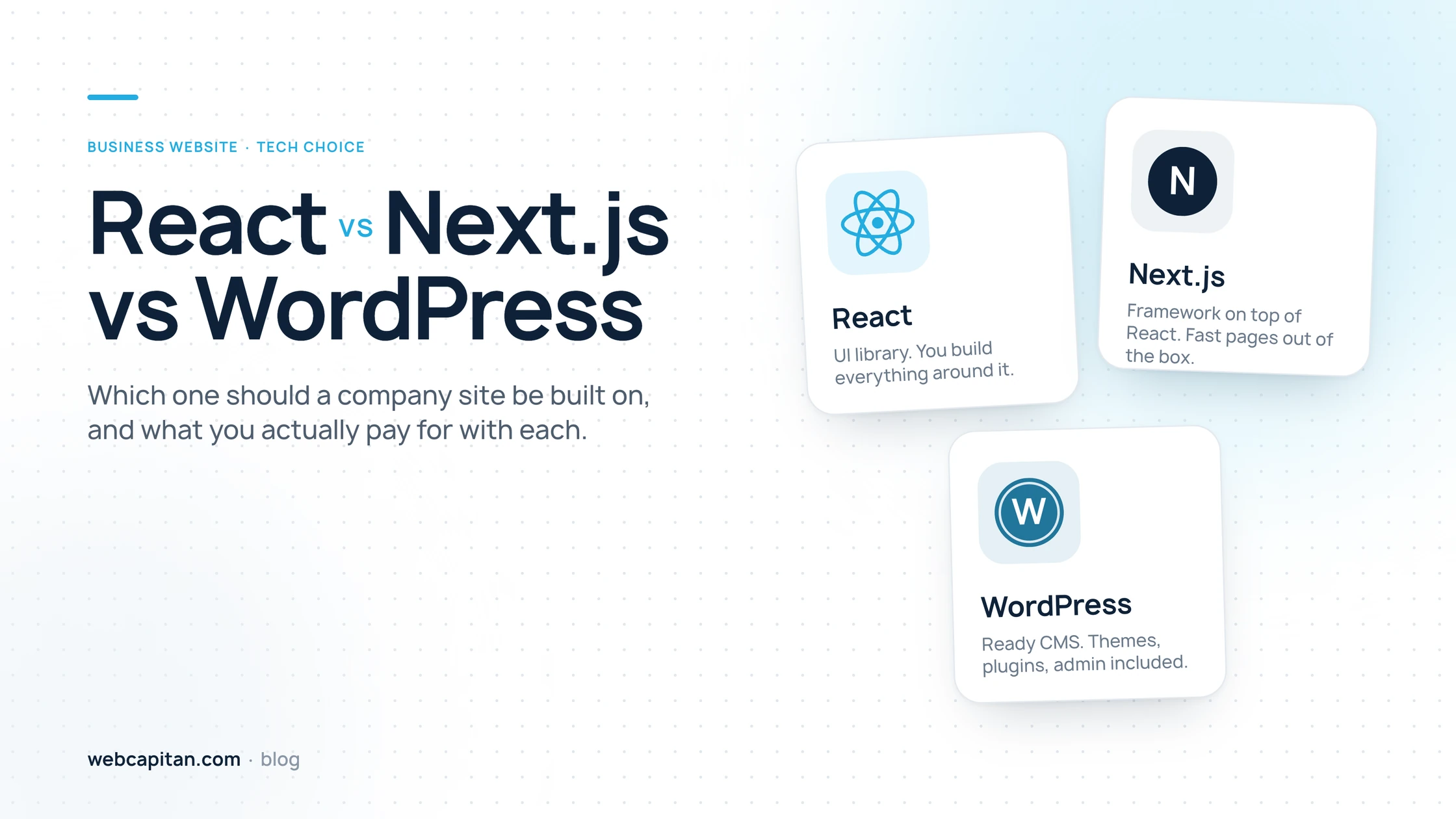
React vs Next.js vs WordPress for a Business Website
React, Next.js and WordPress are three different kinds of tools. We compare speed, editing, SEO, security, cost and hiring, share real numbers from moving webcapitan.com to Next.js, and give a three-question guide to choosing.
Read the article
WordPress25 Sep 2026
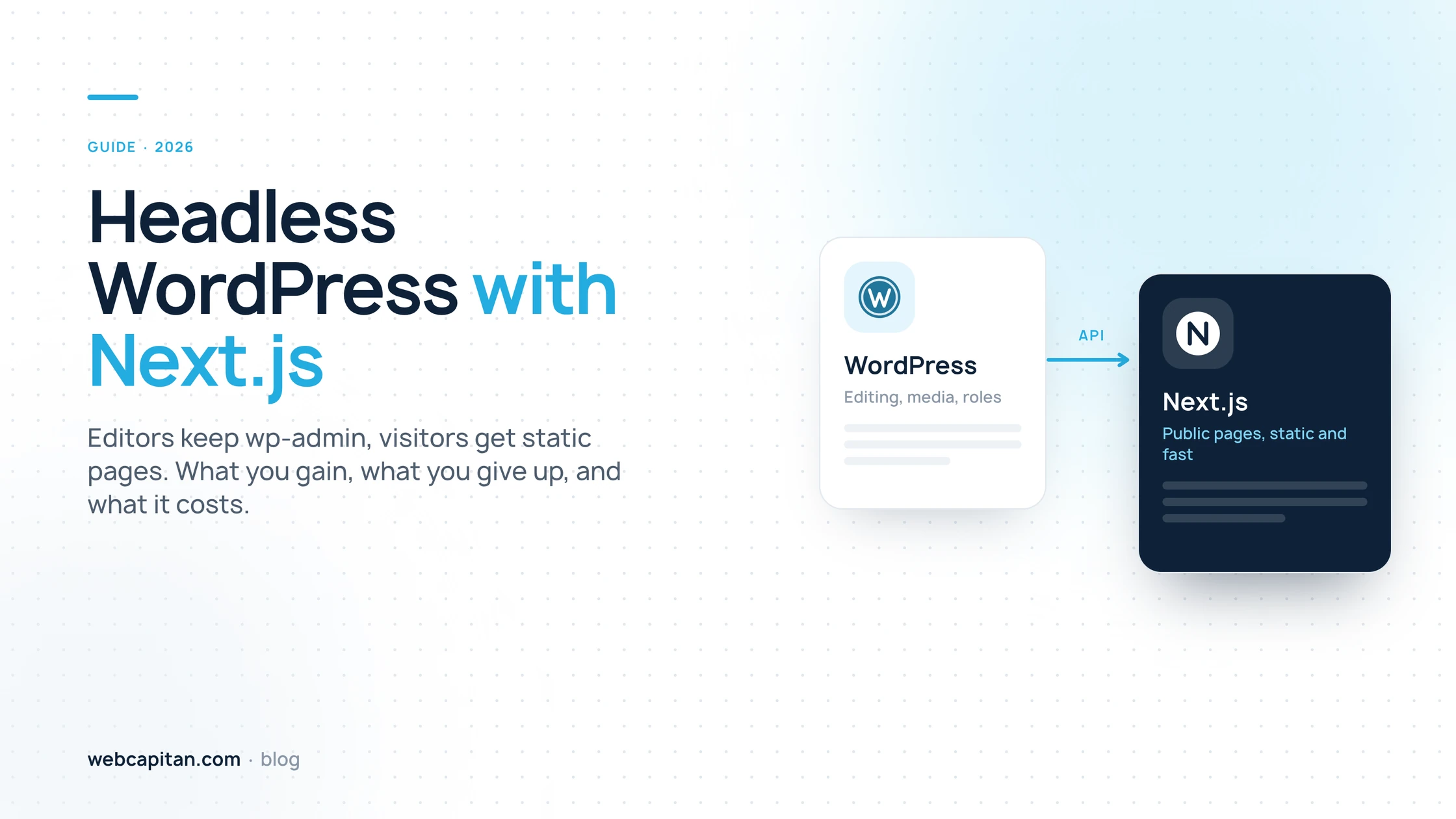
Headless WordPress with Next.js: Pros, Cons and Costs
WordPress keeps the editing, Next.js serves the pages. How the architecture works, what you gain in speed and security, what you give up in plugins and builders, what a build costs and how a migration keeps your rankings.
Read the article
WordPress22 Sep 2026
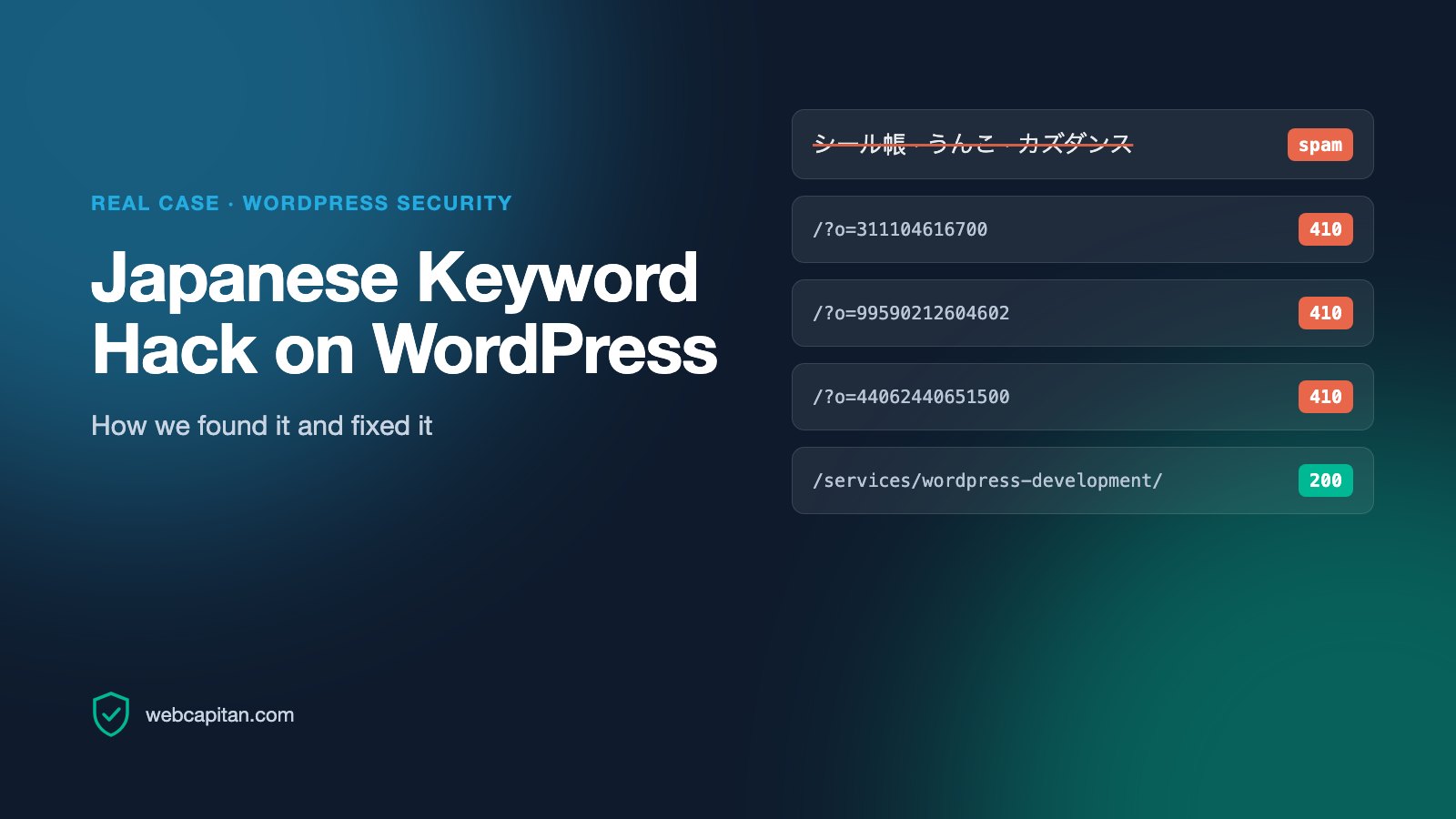
Japanese Keyword Hack on WordPress: How We Found and Fixed It
A real case from our own website: thousands of Japanese spam URLs in Google. How we confirmed the hack, cleaned up, returned 410, avoided the Removals trap and what the data shows.
Read the article
WordPress14 Sep 2026
How Much Does a WordPress Website Cost in 2027?
A professional WordPress website costs $500–$21,000+ in 2027. See realistic price ranges by website type, what drives the cost, theme-based vs custom development, three example budgets and how to save without cutting quality.
Read the article
WordPress03 Apr 2024
How to Convert from Container to Column in WordPress: Step-by-Step Guide
Updated September 2026 for WordPress 7.0: the guide now covers the built-in Columns block first, then page builders. To convert a container into columns in WordPress, open the page…
Read the article
WordPress21 Nov 2023
11 Steps for the Best WordPress Website: Basic Things to Do After Creating a Website on WordPress
You’ve been working on your WordPress website so hard, and now you’re ready to launch the brand-new platform to the audience. Or you hired an expert web design agency and are pleas…
Read the article
WordPress24 Oct 2023
5 Things You Need to Know Before Using WordPress
What do you know about WordPress (WP)? Oh, we can guess! Most users, even those who are far from web development, call it “content management system (CMS) number one around the glo…
Read the article
WordPress15 Sep 2023
What is CMS, and What is CMS for?
Those just entering the web development world often come across the CMS abbreviation. What is it? CMS is a website content management system. However, in some cases, the last lette…
Read the article
WordPress31 Aug 2023
How to hide your website from search engines and users during its development
Why hide your website from search engines and users? The reasons to hide their website from search engines and users are as follows: Unfinished websites — At the stage of developme…
Read the article
WordPress02 Aug 2023
Learn three easy methods to duplicate a page or post in WordPress.
WordPress is a robust tool that enables users to manipulate website content, and I hope everybody knows that. You can manage articles, upload documents, operate images, and perform…
Read the article
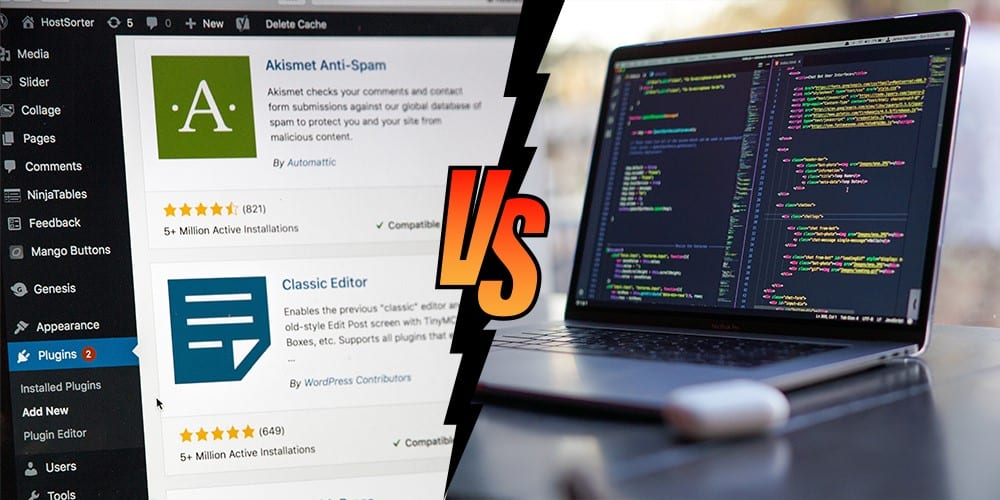
WordPress25 Jul 2023
WordPress vs Custom CMS: Which Should You Choose?
Short answer: choose WordPress if your website is mostly pages and articles, your team wants to edit it without a developer and you want to launch from about $2,000 . Choose a cust…
Read the article

WordPress27 Jun 2023
Top Five WordPress Hosting Services in 2026
Updated September 2026: plans, prices and renewal rates were checked in September 2026 and will change; treat them as a guide and confirm on the provider's site before you buy. The…
Read the article

WordPress12 Jun 2023
WordPress Website Development: Ready-Made Themes vs. Custom Design — Which Approach Suits You Best?
Needless to say that WordPress is the most common Content Management System (CMS) used by businesses globally. Here at Webcapitan we usually use it for website development as clien…
Read the article
WordPress18 May 2023
Drupal vs WordPress: Which CMS Is the Best Choice in 2026?
Updated September 2026: versions, market share, costs and the recommendation below reflect WordPress 7.0 and Drupal 11.4. Drupal and WordPress are both free, open-source content ma…
Read the article

WordPress05 May 2023
Elementor vs Custom WordPress Development: Choosing the Best Option for Developing Your Website on WordPress.
You have two options when selecting website design services for WordPress: use a drag-and-drop page builder like Elementor or attempt a custom website development from the start. T…
Read the article
WordPress guides from a team that builds with it every day
WordPress powers more than 40% of the web, but a fast, secure business website still depends on the choices made before launch: the theme or custom design, the plugins, the hosting and the people who maintain it. The articles under this tag come from our own projects. Since 2014 Webcapitan has delivered more than 900 websites, and most of them run on WordPress.
Here you will find honest comparisons (WordPress vs Drupal, WordPress vs a custom CMS, Elementor vs custom development), step-by-step tutorials for site owners and budget guides that explain what a WordPress project really costs.
Planning a new website or a rebuild? See our WordPress development services, or read about custom WordPress development if a ready-made theme is not enough.