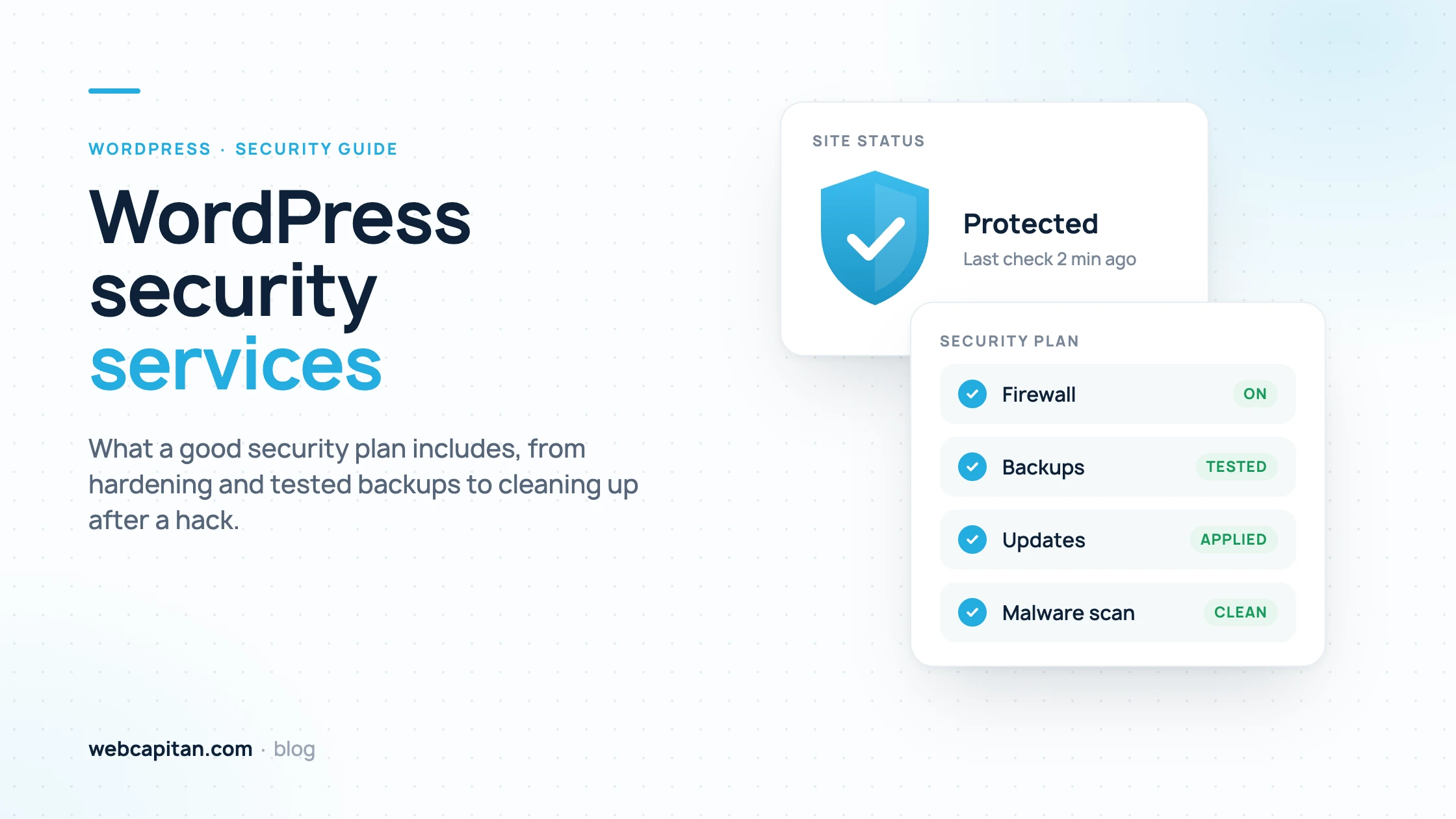
A good WordPress security plan combines prevention, detection and recovery: a hardened setup, a clear update policy, a firewall with login protection, regular malware scans, off-site backups that are actually test-restored, monitoring, and a defined incident response for when something gets through. If a provider sells you only a security plugin and a monthly scan, you are buying a fraction of that.
This guide is for business owners in the US and UK who run a WordPress site and are deciding whether to pay for WordPress security services.
Why WordPress sites need a security plan
WordPress itself is reasonably secure; most hacks come through outdated plugins and themes, weak or reused passwords and poorly configured hosting. Because WordPress runs a large share of the web, automated bots scan for known holes all day, so a small business site is a target simply by existing.
The damage is rarely a defaced home page. More often attackers quietly add spam pages, redirect visitors from Google to scam sites, or use your server to send email.
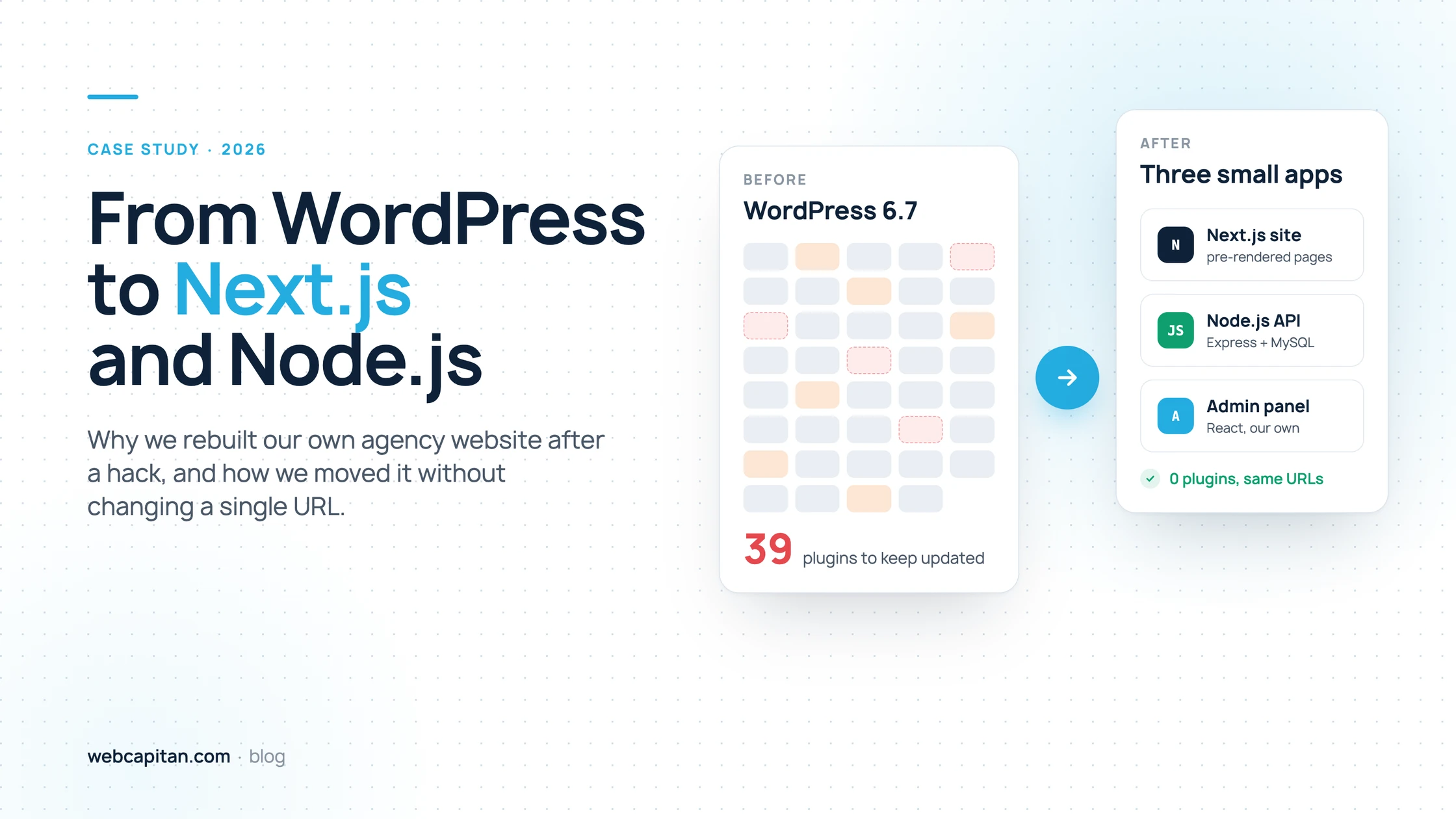
We know this first-hand. Our own old WordPress site was hit by the Japanese keyword hack, and about 22,800 spam URLs like /?o=123456 ended up in Google's index before the clean-up was finished. The full story, with every step of the recovery, is in our article on the Japanese keyword hack in WordPress.
Hardening: closing the easy doors
WordPress hardening means configuring the site and server so that common attacks fail before any security tool has to react. It is mostly one-off work, checked again after major changes.
- Remove what you do not use. Deactivated plugins and old themes still sit on the server and can still be exploited. Delete them, do not just switch them off.
- Least-privilege user roles. Only people who manage the site need Administrator. Editors, authors and agencies get the lowest role that lets them do their job, and former staff accounts are removed.
- Disable file editing in the dashboard. Adding
define('DISALLOW_FILE_EDIT', true);towp-config.phpstops anyone with a stolen admin login from editing theme and plugin code from the browser. - Correct file permissions. Typically 644 for files, 755 for folders and tighter for
wp-config.php, so the web server cannot rewrite code it only needs to read. - A supported PHP version. Old PHP versions stop receiving security fixes. Your host should run a version that is still supported, and the site should be tested on it.
- Block PHP execution in uploads. The uploads folder holds images and documents; it should never run scripts, which is a common way to plant a backdoor.
Updates policy
An updates policy decides who updates WordPress core, plugins and themes, how often, and how a broken update is caught. Without one, updates either never happen or happen blindly on the live site.
A sensible policy applies security releases within days, tests larger updates on a staging copy first, takes a backup before every update round and checks key pages and forms afterwards. It also covers abandoned plugins: if a plugin has not been updated by its author for a long time, it should be replaced, because a future hole in it will never be fixed. This routine work is the core of WordPress maintenance, and security plans usually include it or depend on it.
Firewall and login protection
A web application firewall (WAF) filters malicious requests before they reach WordPress, and login protection stops attackers from guessing or reusing passwords. Together they block most of the automated traffic every site receives.
- WAF. Either at the edge, through a service such as Cloudflare, or inside WordPress through a security plugin.
- Two-factor authentication (2FA) for every account with editing rights. It is the single most effective protection against stolen passwords.
- Limit login attempts and rate-limit
xmlrpc.phpor disable it if nothing uses it.
None of this makes a site secure on its own. A security plugin with every switch turned on cannot protect a site running an outdated plugin with a known hole; it only reduces the odds.
Malware scanning
Malware scanning checks the site's files and database for injected code, backdoors and spam content, so an infection is found in hours rather than months. Good scanning looks in more than one place.
Ask whether scans compare core files against the official WordPress versions, inspect the database (where spam links and redirects often hide), and run server-side rather than only by loading pages from outside.
Backups and restore tests
Backups are your last line of defence, and a backup only counts once it has been restored successfully. A plan should state how often backups run, where they are kept and when a restore was last tested.
- Off-site storage. Copies on the same server disappear or get infected with it.
- Files and database together, daily for active sites, with several weeks of history. An infection often starts long before it is noticed, so a single recent backup may already contain it.
- Tested restores. Restore a backup to a staging copy on a schedule and confirm the site works. This is the step most often skipped and the one that matters most.
Monitoring
Monitoring tells you something is wrong before your customers or Google do. A complete setup watches three things.
- Uptime. Checks every few minutes, with alerts to a person.
- File changes. Alerts when core, plugin or theme files change outside an update, which is a strong sign of compromise.
- Blacklists and search. Google Safe Browsing, spam blocklists and the Security issues report in Google Search Console. Unexpected pages in Google's index, especially in another language, are an early warning.
Incident response: what happens after a hack
Incident response is the agreed procedure for cleaning a hacked site, closing the hole and repairing the damage in Google. It is where cheap plans and good plans differ most.
- Contain. Take a copy of the infected site for analysis, change all passwords and keys, and put up a maintenance page if visitors are at risk.
- Clean. Remove malicious files, database entries, rogue admin users and backdoors. WordPress malware removal is not finished when the visible spam is gone; attackers usually leave several ways back in.
- Close the hole. Find how they got in, whether a vulnerable plugin, a stolen password or another site on the same hosting account, and fix it. Otherwise the site is reinfected within days.
- Repair search results. Check the Security issues report in Google Search Console, fix what it lists and request a review. Make spam URLs return 410 Gone and, if there are many, list them in a temporary sitemap so Google recrawls and drops them faster.
One warning from our own clean-up. The Removals tool in Search Console looks like a shortcut, but Google ignores the query string in a prefix request. Asking it to remove the prefix /?o= would have removed the whole site, and the dialog said so: "Remove entire site?". Never submit a prefix removal like that. If you need to keep pages out of the index without deleting them, a header such as X-Robots-Tag noindex in .htaccess is the safer tool.
What to ask a WordPress security provider
The quickest way to judge a WordPress security service is to ask specific questions and expect specific answers. Vague replies such as "we use the best plugins" are a warning sign.
| Question | A good answer sounds like |
|---|---|
| What hardening do you do at the start? | A written list: roles, unused plugins, file editing, permissions, PHP version, uploads folder |
| How fast are security updates applied? | Within days, with a backup first and a check afterwards; larger updates tested on staging |
| Which firewall do you use and where does it run? | A named edge or plugin WAF, plus 2FA and login limits for all editors |
| How do malware scans work? | Server-side file and database scans, compared against clean core files, on a stated schedule |
| Where are backups stored and when did you last test a restore? | Off-site, with a date and result of the last restore test |
| Is malware removal included if the site is hacked? | Yes, including finding the entry point and handling the Google review |
| How fast do you respond to an incident? | A stated response time in hours, and who to contact |
| Who has access to our site and hosting? | Named people, individual accounts, 2FA, access removed when the contract ends |
What WordPress security services cost
WordPress security plans are usually billed monthly, and the price depends on the size of the site, the number of plugins, whether there is a shop or user accounts, and how fast you need incidents handled. One-off malware removal for an already hacked site is normally priced separately.
Security is rarely sold completely on its own: updates, backups and monitoring overlap with WordPress maintenance, and fixes and small changes with WordPress support. For a figure based on your site, send us the address and we will quote after a short review.
Frequently asked questions
Is a security plugin enough to protect a WordPress site?
No. A plugin helps with firewall rules, login limits and scanning, but it does not update your other plugins, test your backups, fix weak hosting settings or clean up after a hack. It is one layer of a plan, not the whole plan.
How do I know if my WordPress site has been hacked?
Common signs are unfamiliar pages in Google when you search site:yourdomain.com, visitors being redirected from search results, a warning in Search Console or the browser, new admin users and unexpected file changes. Some hacks show spam only to Google, so the site can look normal to you.
How long does WordPress malware removal take?
Cleaning the files and database usually takes from a few hours to a couple of days, depending on how deep the infection is. Removing spam from Google takes longer, often weeks, because it depends on Google recrawling the URLs; 410 responses and a temporary sitemap of the spam URLs speed this up.
What is WordPress hardening?
Hardening is configuring WordPress and the server so common attacks fail: deleting unused plugins and themes, using least-privilege roles, disabling file editing with DISALLOW_FILE_EDIT, setting correct file permissions, running a supported PHP version and blocking scripts in the uploads folder.
Conclusion
A WordPress security service is worth paying for when it covers the whole cycle: hardening, updates, firewall and 2FA, scanning, tested off-site backups, monitoring and a real incident response that ends with a clean Google listing. Use the checklist above to compare providers, and ask for answers in writing. If you want us to review your site and propose a plan, get in touch.
About the author

CEO & Founder, Webcapitan
Roman Yashchuk founded Webcapitan in 2014 and leads the team of 22 designers and developers in Vinnytsia and London. He works hands-on in UI/UX design, WordPress and PHP/Laravel development, and writes about choosing platforms, costs and keeping websites fast and secure.
All articles by Roman Yashchuk