Webflow is the better choice for a design-led marketing site that a small team wants to edit without touching plugins or hosting. WordPress is the better choice when the site needs to grow: more features, an online store, thousands of pages, several languages, or full ownership of the code and data. For a simple business website, the three-year cost of the two is roughly the same.
We build websites on WordPress every month and regularly get asked to compare it with Webflow, often by companies whose designer prefers one and whose developer prefers the other. This is an honest comparison for business owners and marketing leads in the US and UK: what each platform is, where each one wins, what it really costs over three years, and which one fits which kind of business.
Webflow vs WordPress: The Short Answer
Choose Webflow for a polished marketing site with a modest amount of content; choose WordPress for anything that needs plugins, e-commerce, large content libraries or freedom to move.
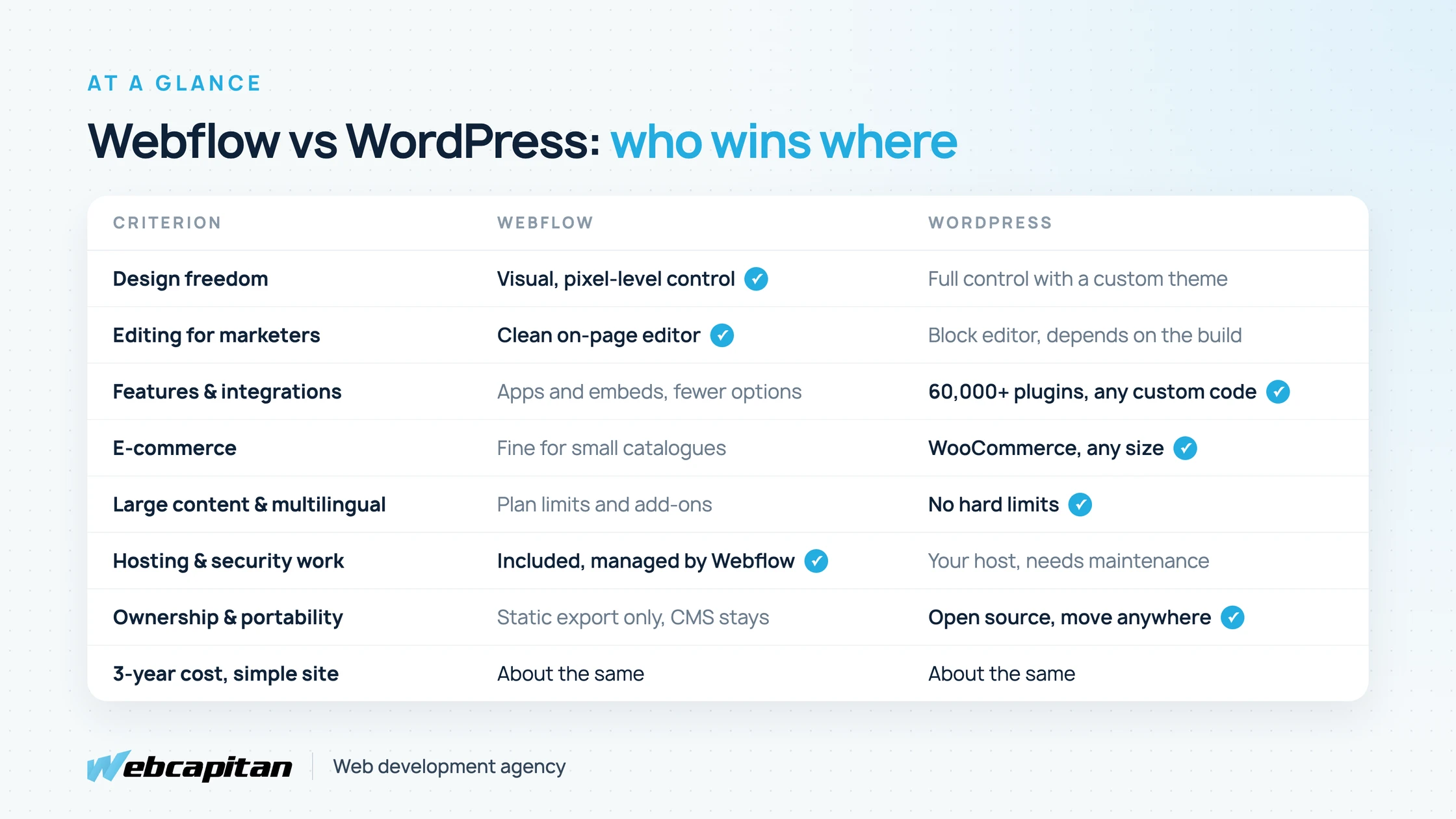
Where each platform wins for a typical business website.
| Your situation | Better fit |
|---|---|
| A 10–40 page marketing site, strong visual design, marketers edit the copy | Webflow |
| A site that will add features: bookings, memberships, portals, custom forms, CRM sync | WordPress |
| An online store with more than a handful of products | WordPress (WooCommerce) |
| A content-heavy blog, resource library or multilingual site | WordPress |
| No developer and no appetite for hosting or updates | Webflow |
| You want to own the code and be able to change host or agency freely | WordPress |
What Is Webflow?
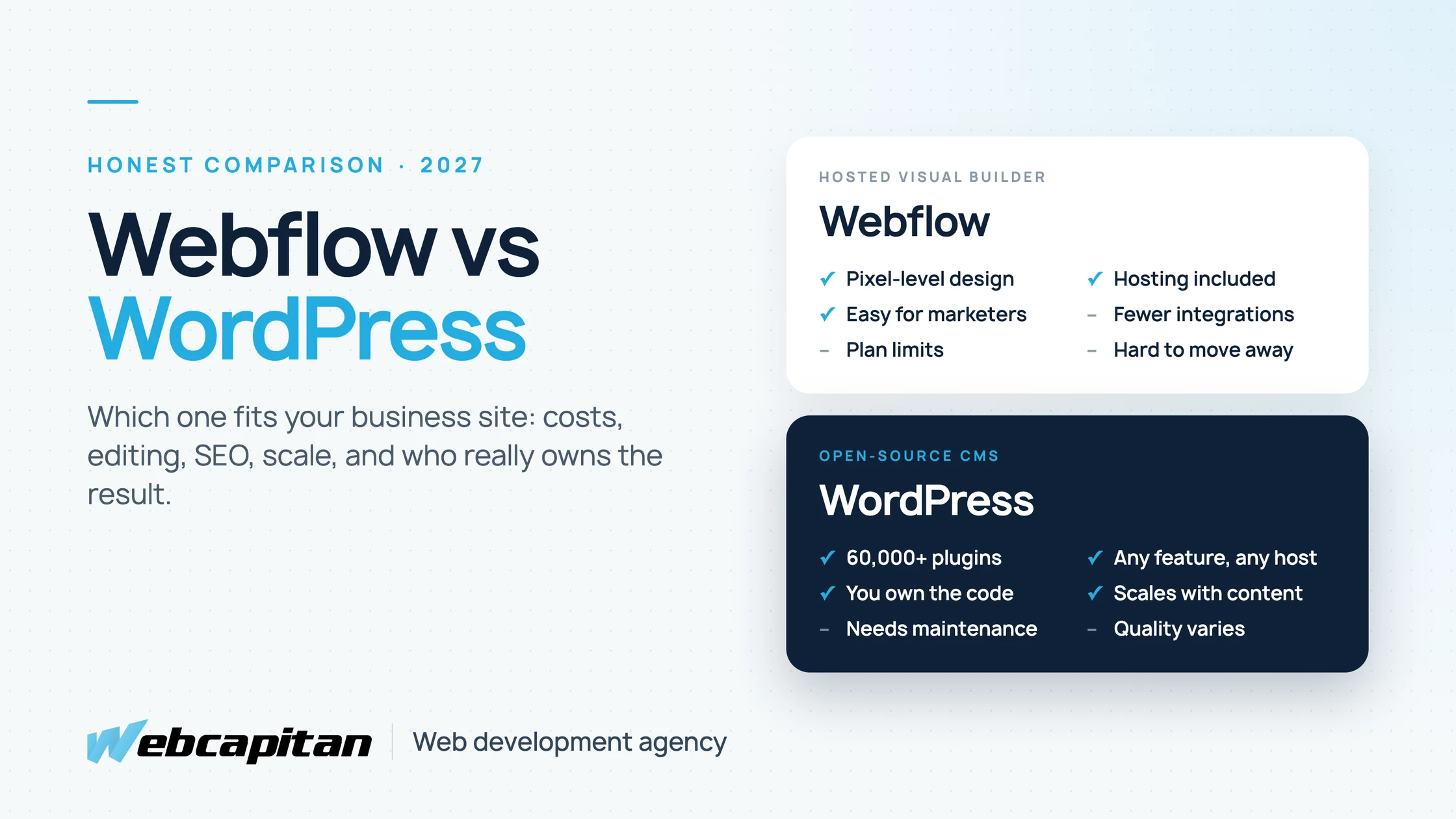
Webflow is a hosted visual website builder: designers lay out pages in a canvas that writes real HTML and CSS, and Webflow hosts the result on its own infrastructure.
It sits between a page builder and hand-written code. A skilled designer gets precise control over layout, typography and animation without a developer, and content editors change text and images directly on the page. Hosting, SSL, a CDN and backups are included in the site plan, so there is nothing to install or update. The trade-off is that everything happens inside Webflow's platform and on its terms: the features it offers, the limits of each plan and its pricing.
What Is WordPress?
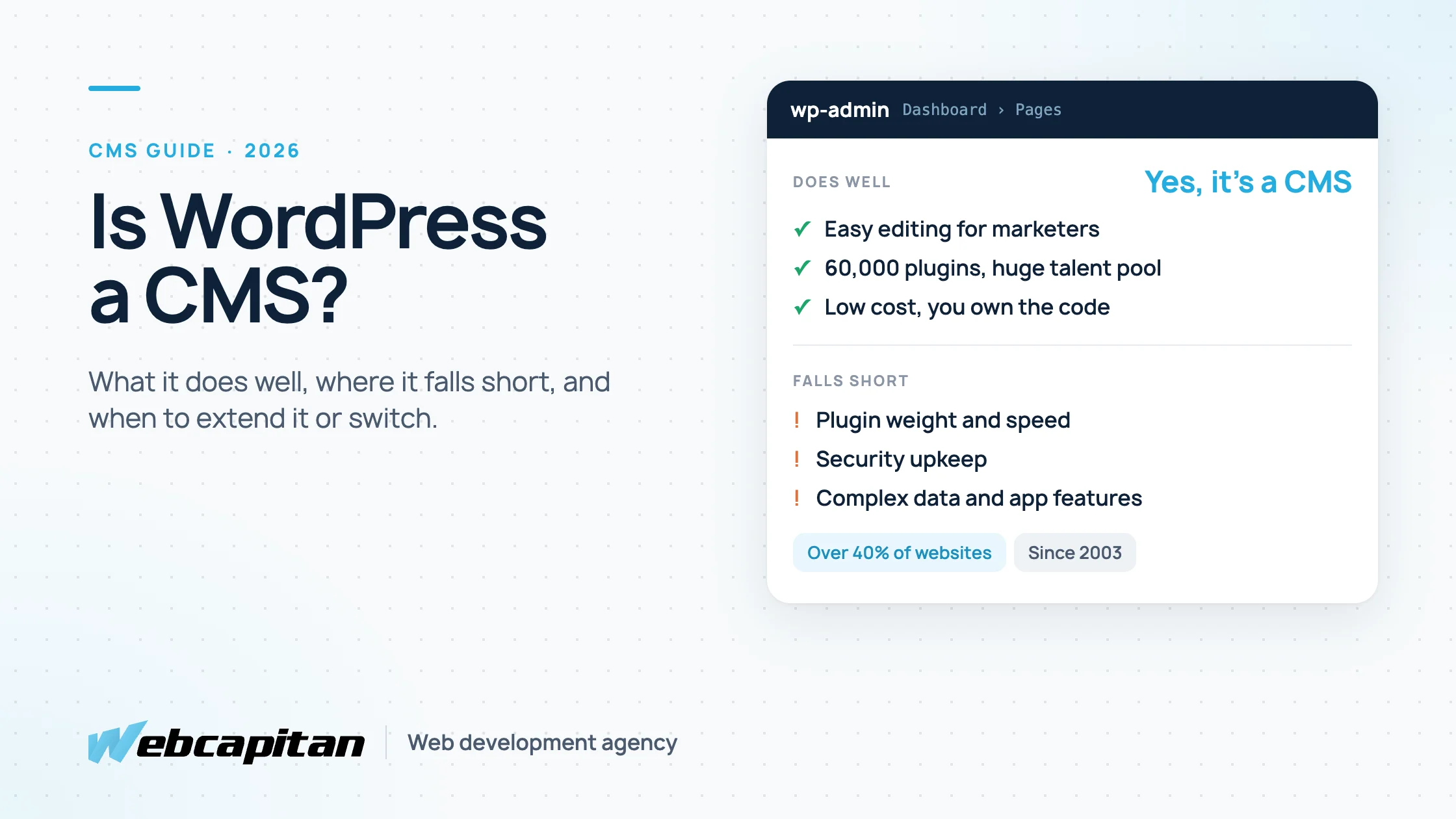
WordPress is an open-source content management system that powers over 40% of all websites, from small business sites to large publishers and online stores.
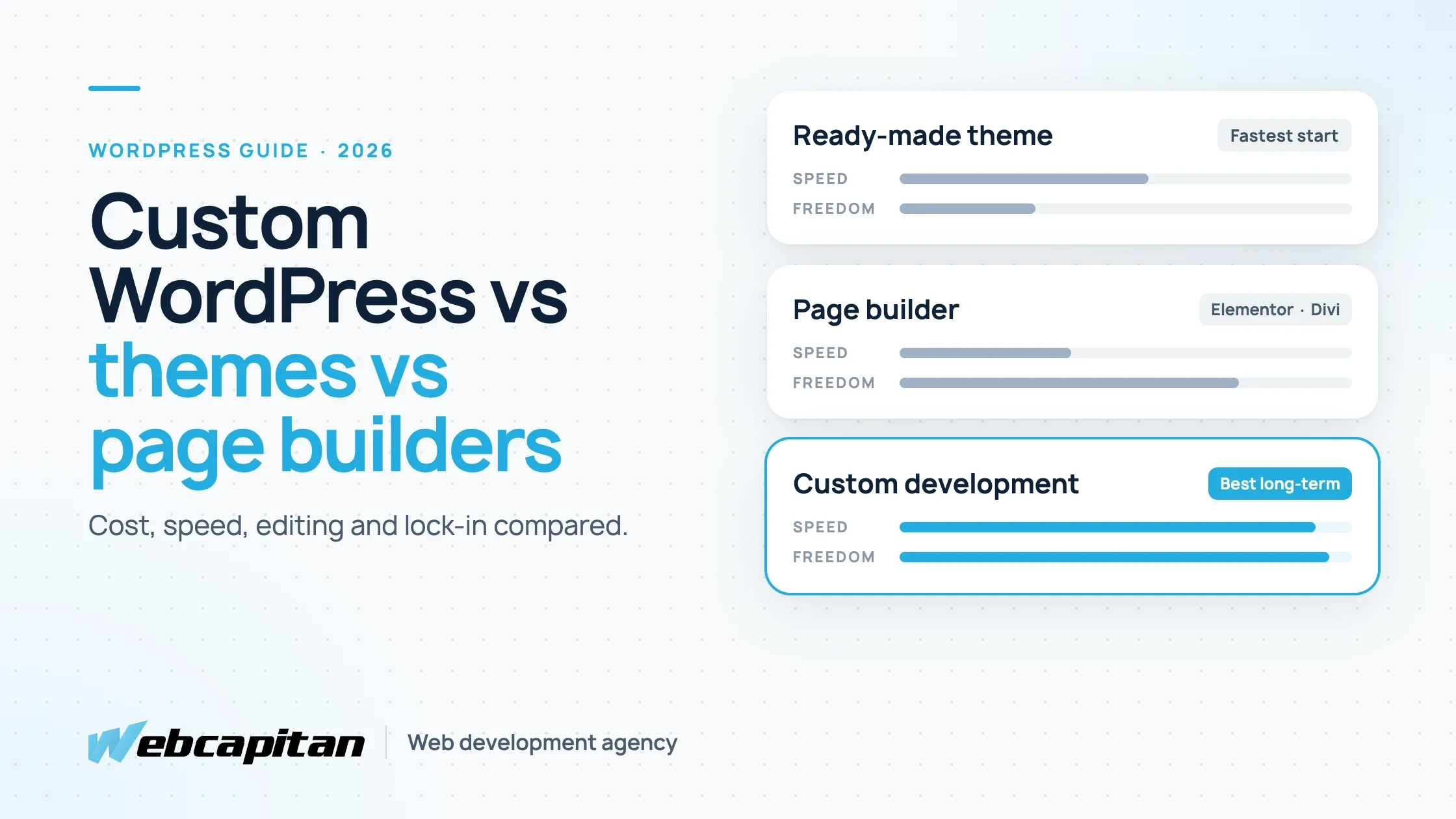
You install it on any hosting you choose, extend it with themes and plugins (the official directory alone lists more than 60,000), and own every file and every row of data. That flexibility is its main strength and its main risk: a carefully built WordPress site is fast and secure, while a site assembled from a cheap theme and dozens of plugins is slow and fragile. We explain how much the build approach matters in custom WordPress development vs themes vs page builders, and what WordPress does well as a CMS in Is WordPress a CMS?
Design and Building Experience
Webflow gives designers more direct control out of the box; WordPress matches it only with a custom theme built by a developer.
In Webflow, what the designer draws is what ships. Interactions, responsive breakpoints and component systems are part of the tool, which makes it popular with design studios. In WordPress, the same result comes from a custom theme coded to the design, or from a page builder such as Elementor, which is faster to start with but heavier and harder to keep consistent. A custom WordPress theme gives full design freedom and better performance, but it needs a developer to build and change the layout itself.
Editing Content Day to Day
Webflow's on-page editor is simpler for marketers making text and image changes; WordPress is better when editors need structured content, workflows and many contributors.
Webflow lets editors click on a heading and change it in place, which is hard to beat for small teams. WordPress's block editor feels more like writing a document and handles larger teams better: user roles, drafts, scheduled posts, revisions, review workflows and custom fields for structured content. A well-built WordPress site locks the layout and lets editors change only the content, so they cannot break the design by accident.
Features, Plugins and Integrations
WordPress wins clearly on features: almost any capability a business needs already exists as a plugin or can be built on top of it.
Webflow covers forms, a CMS, basic e-commerce, localization and an app marketplace, and anything else is added through embeds and third-party tools such as Zapier or Make. That works until you need logic on your own server: member areas, bookings with business rules, complex calculators, two-way CRM sync or custom API integrations. In WordPress these are standard work, either through mature plugins or custom code, and you are not limited by what a platform chooses to support.
SEO and Performance
Both platforms can rank well; the difference comes from how the site is built, not from the platform name.
Webflow produces clean code, fast hosting and good built-in SEO controls with no extra plugins. WordPress needs an SEO plugin and some care with themes and plugins to stay fast, but it gives more control over technical SEO at scale: complex redirects, schema markup, large sitemaps, server-level caching and log analysis. A WordPress site built properly passes Core Web Vitals just as easily as a Webflow site; one built on a bloated theme will not.
E-commerce, Content Scale and Multilingual Sites
For stores, large content libraries and multilingual sites, WordPress is the safer long-term choice because Webflow ties these to plan limits and add-ons.
- E-commerce: Webflow e-commerce suits a small, design-led catalogue. WooCommerce on WordPress handles large catalogues, complex shipping and tax rules, subscriptions and B2B pricing.
- Content scale: Webflow site plans cap the number of CMS items, pages and bandwidth, and higher limits cost more. WordPress has no platform limits; capacity depends on your hosting.
- Languages: Webflow sells localization as a paid add-on per locale. WordPress handles multilingual sites with established plugins or a multisite setup.
How Much Do Webflow and WordPress Cost?
For a typical 25-page business website with a blog, both platforms cost roughly $3,000 to $7,500 over three years including the build; they just spread the money differently.
| 3-year cost item | Webflow | WordPress |
|---|---|---|
| Design and build by an agency | $2,000–$4,000 | from $1,300 |
| Hosting / site plan | $900–$1,600 (site plan, billed annually) | $300–$900 (managed hosting) |
| Maintenance and updates | Included in the plan | from $15 a month (care plan) |
| Extras | Workspace seats, localization, higher CMS limits as needed | Premium plugins, $200–$500 |
| Changes by your agency | $500–$1,200 | Often covered by the care plan |
| Typical total | $3,500–$7,000 | $2,700–$7,500 |
Webflow reworked its site plans in 2026. At the time of writing, a CMS-capable site plan costs roughly $25–$45 per month on annual billing, e-commerce plans start at about $29, and team seats for people who build in Webflow are billed separately per month. Check Webflow's pricing page for current numbers. For WordPress, our WordPress website cost guide breaks the build price down in detail.
The real cost difference appears later. Webflow costs rise with traffic, CMS items, locales and seats. WordPress costs rise with the features you add and the care the site needs.
Ownership, Lock-in and Security
With WordPress you own the site outright; with Webflow you rent it, and moving away means rebuilding the CMS and any logic elsewhere.
Webflow can export static HTML and CSS, but not the CMS, forms or e-commerce, so leaving the platform is effectively a rebuild. WordPress can move to any host or agency with its database and files. On security the trade-off reverses: Webflow handles hosting security for you, while a WordPress site needs updates, backups and monitoring. That work is routine, and covered by a good WordPress maintenance plan, but it cannot be skipped. Most hacked WordPress sites we clean up had simply not been updated for months.
When to Choose Webflow
Webflow is the right choice when design matters most, the content is modest and nobody on the team wants to manage a CMS or hosting.
- A startup or agency marketing site with a strong visual identity.
- Landing pages and campaign sites that marketers update often.
- A team led by a designer who already works in Webflow.
- A site that will not need custom logic, logins or a large store.
When to Choose WordPress
WordPress is the right choice when the site is part of how the business operates, not just how it presents itself.
- You expect to add features: bookings, memberships, quotes, portals, integrations.
- You sell online or plan to.
- Content is a growth channel: hundreds of posts, resources or several languages.
- You want to own the code and data and choose your host and developers freely.
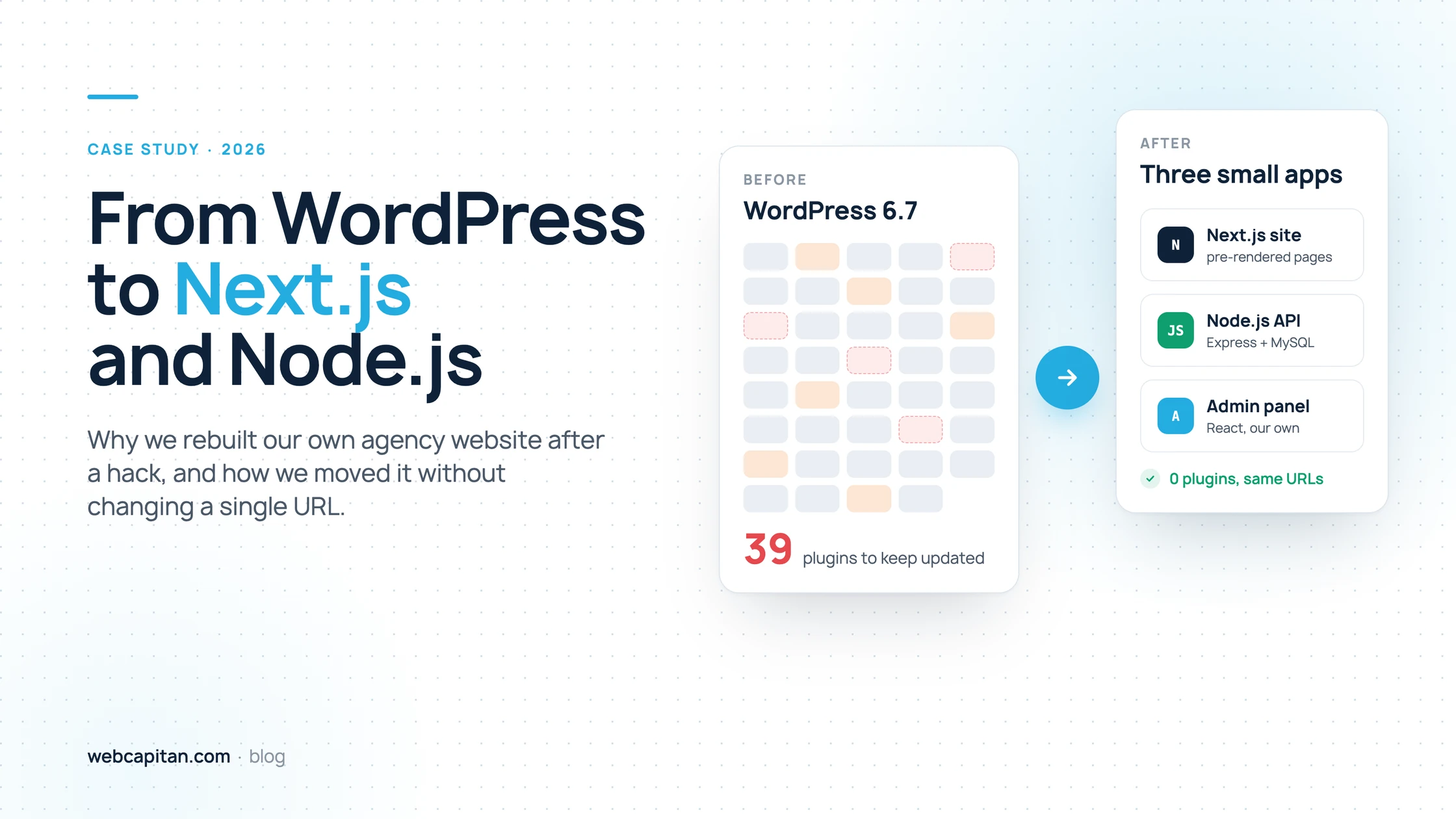
- You need a headless setup with Next.js later, with WordPress as the content back end.
Moving Between Webflow and WordPress
Moving from Webflow to WordPress is a common and well-understood project: the design is rebuilt as a custom theme, CMS content is imported, and every URL is kept or redirected so rankings are not lost.
The key is to plan the migration around SEO: keep the same URL structure where possible, map every old URL to a new one, carry over titles, descriptions and structured data, and check Search Console in the weeks after launch. Our WordPress migration service follows exactly this process.
Frequently Asked Questions
Is Webflow better than WordPress for SEO?
No, not on its own. Both can rank well. Webflow is easier to keep clean out of the box; WordPress gives more technical control at scale.
Is Webflow cheaper than WordPress?
For a simple site, the three-year cost is about the same. Webflow becomes more expensive as traffic, content, languages and seats grow; WordPress becomes more expensive as you add features and need more maintenance.
Can my team edit a WordPress site as easily as Webflow?
Yes, if the site is built for it: a custom theme with locked layouts and clear content fields is as easy to edit as Webflow, and harder to break.
Can I move from Webflow to WordPress without losing traffic?
Yes. With the same URLs or proper 301 redirects, preserved metadata and a post-launch check in Search Console, a migration should not cost rankings.
Not Sure Which Platform Fits?
The right platform depends on what your site has to do in two years, not just on launch day.
We build custom WordPress sites that are as easy to edit as Webflow and grow with the business, and we will tell you honestly if Webflow is the better fit for your project. Business websites we build typically start at $1,300.
See our WordPress development services or tell us about your project and get a free estimate.
About the author

CEO & Founder, Webcapitan
Roman Yashchuk founded Webcapitan in 2014 and leads the team of 22 designers and developers in Vinnytsia and London. He works hands-on in UI/UX design, WordPress and PHP/Laravel development, and writes about choosing platforms, costs and keeping websites fast and secure.
All articles by Roman Yashchuk