WordPress is easy to use for everyday content work and harder to set up and look after. Writing a post, adding a page, swapping an image or editing a menu takes minutes and needs no code. Choosing a theme, combining plugins, keeping everything updated, fast and secure is where most people get stuck. How easy WordPress feels to your team depends less on WordPress itself than on how your site was built.
WordPress runs over 40% of all websites, so it is easy to assume it must be simple. At the same time, "why is WordPress so hard to use" is one of the most common complaints about it. Both are true, and this article explains why. We build WordPress sites every month, and we also moved our own website off WordPress this year, so we have seen both sides: where it is genuinely the easiest option and where it stops being the right tool.
What Is Genuinely Easy in WordPress
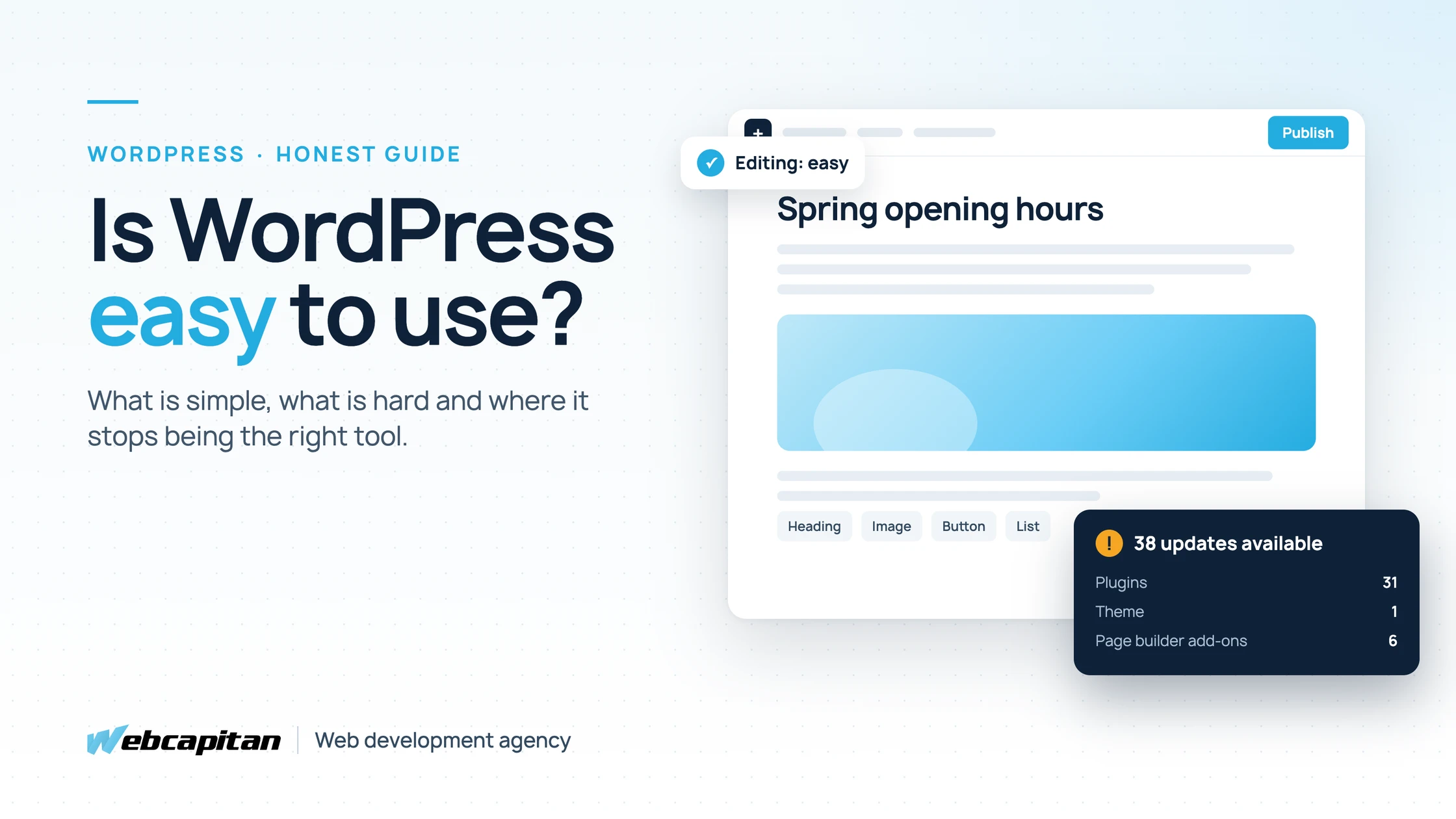
The daily work of publishing and editing content is easy in WordPress, and most editors learn it in an afternoon.
- Writing and formatting. The block editor works like a visual document: you type, add headings, lists, images, quotes and buttons, and see the result as you go.
- Images and files. Drag a file into the media library or straight into a post; WordPress creates the smaller sizes for phones by itself.
- Pages and menus. A new page goes live in a few clicks, and the menu editor lets you add it to the navigation without touching code.
- Scheduling. Set a date and time, and the post publishes itself.
- Several people, different rights. Built-in roles let an author write, an editor approve and an administrator change settings, so nobody breaks what they should not touch.
- Help is everywhere. Because so many people use WordPress, almost every question already has an answer in a tutorial or forum.
If all your team does is publish news, update service pages and add case studies, WordPress is one of the easiest systems you can give them.
Why WordPress Feels Hard: Six Common Reasons
WordPress feels hard when people have to build or maintain the site rather than just edit it, and almost every complaint traces back to one of six causes.
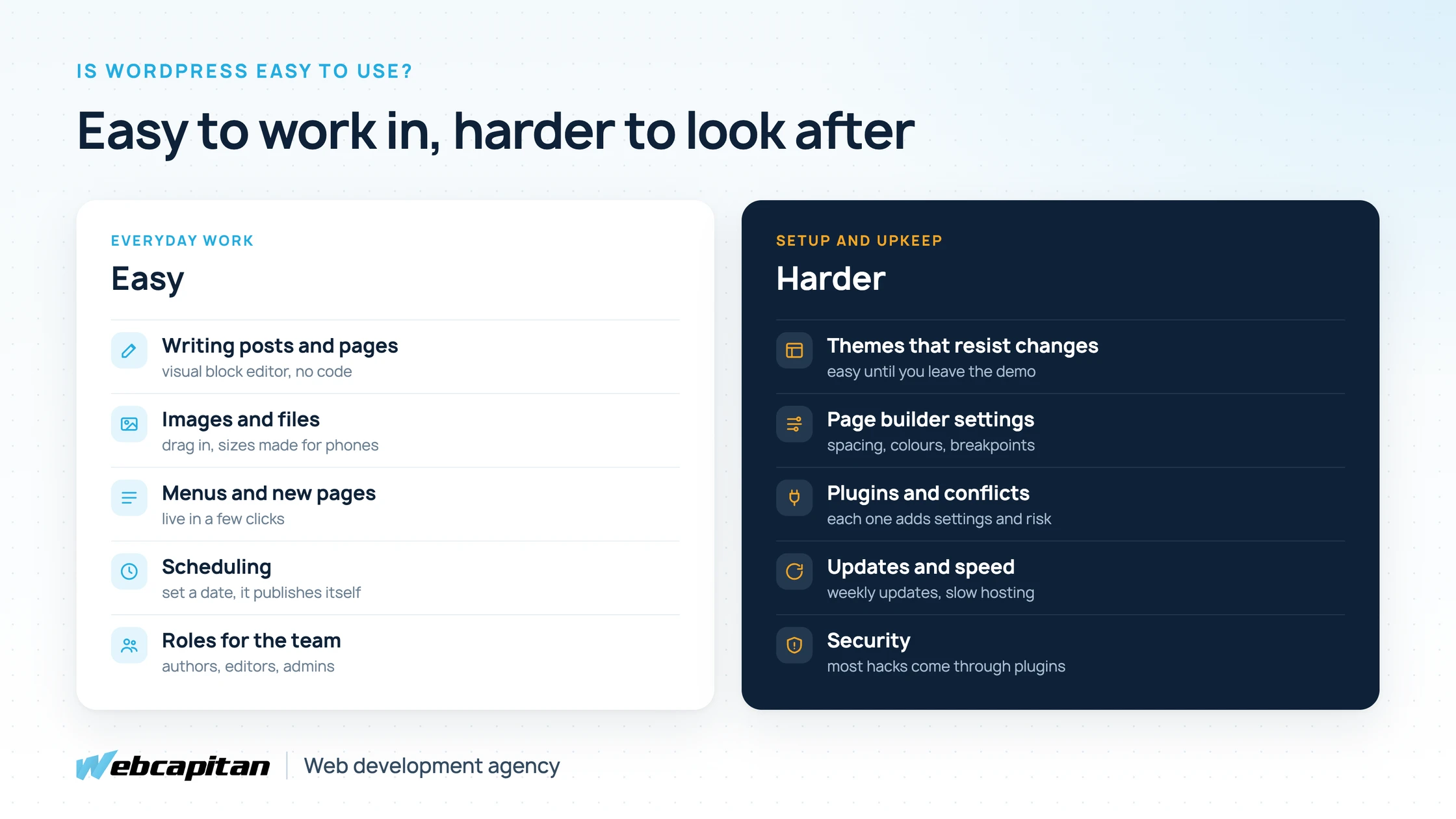
The everyday work is easy; the difficult part is everything around it.
1. WordPress.com and WordPress.org are not the same thing
WordPress.org is the free software you install on your own hosting and can change in any way. WordPress.com is a hosted service built on it, with plans that limit what you can install. Many beginners start on one, follow a tutorial written for the other and cannot find the buttons it describes.
2. The theme decides what you can change
A ready-made theme comes with its own layouts and settings. As long as you want what the demo shows, it is easy. The moment you need a section the theme was not designed for, simple changes turn into workarounds or code.
3. Page builders add hundreds of settings
Builders such as Elementor or Divi let you design pages visually, but every block has spacing, colour, animation and responsive settings for desktop, tablet and phone. Editors who only wanted to change a heading end up afraid of breaking the layout.
4. Too many plugins
Each plugin solves one problem, and each one adds its own settings page, its own updates and its own risk of conflicting with the others. A site with 40 plugins is hard to use simply because nobody remembers what each of them does.
5. Updates, speed and hosting
WordPress, the theme and plugins all release updates, sometimes several a week. Skipping them is risky; applying them without testing can break a page. Slow hosting and heavy themes add another layer of problems that an editor cannot fix from the dashboard.
6. Security
Because WordPress is so popular, it is also the platform attackers target most. Most hacks come through outdated plugins. We learned this ourselves: our old WordPress site was injected with spam pages, which we describe in how we fixed the Japanese keyword hack.
One Platform, Three Very Different Experiences
The same WordPress can be easy or frustrating for your team, depending on whether the site was built with a ready-made theme, a page builder or custom blocks.
- Ready-made theme: quick to launch and simple while you stay within the demo, rigid as soon as you need something different.
- Page builder: full visual freedom, but many settings to learn, heavier pages and layouts that are easy to break by accident.
- Custom theme with custom blocks: editors see only the blocks your site actually uses, such as "service card", "case study" or "team member", with the fields they need and nothing else. This is usually the easiest version of WordPress for a non-technical team.
We compare the three approaches in detail in custom WordPress development vs themes vs page builders.
WordPress Limitations That Actually Matter
WordPress handles websites very well and starts to struggle when a project behaves more like an application than a website.
- Complex logic. Booking rules, quotes calculated from many inputs, client portals and multi-step workflows can be built with plugins, but they become fragile. A custom application is often simpler to run.
- Structured data at scale. Thousands of products with complex relationships, or data that has to sync with other systems every few minutes, push WordPress beyond what it was designed for.
- Security surface. Every plugin is code from a different author. The more you rely on plugins, the more you depend on all of them being kept up to date.
- Editorial workflows. Approvals, versioning and content reuse across several sites or channels need extra plugins or a different tool.
- The free WordPress.com plan. It does not let you install plugins or custom themes and shows WordPress.com branding, so it suits a personal blog rather than a business site.
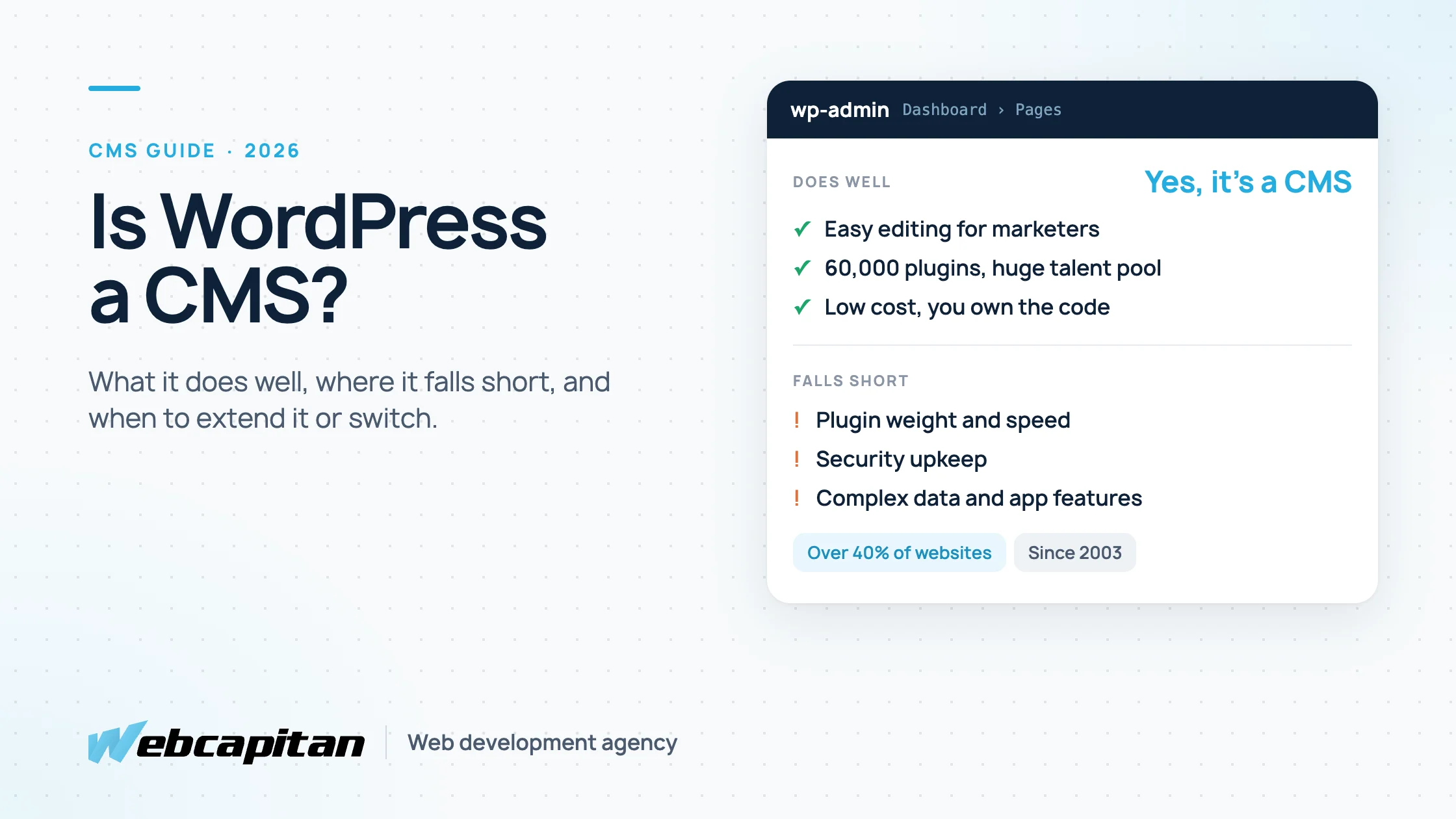
For most company websites, none of these is a real problem. We explain where WordPress fits as a content management system in Is WordPress a CMS? Strengths and limitations.
Is WordPress Right for You? A Quick Check
WordPress is a good choice when your site is mainly pages and articles that your own team updates, and a weaker one when the site is really a piece of software.
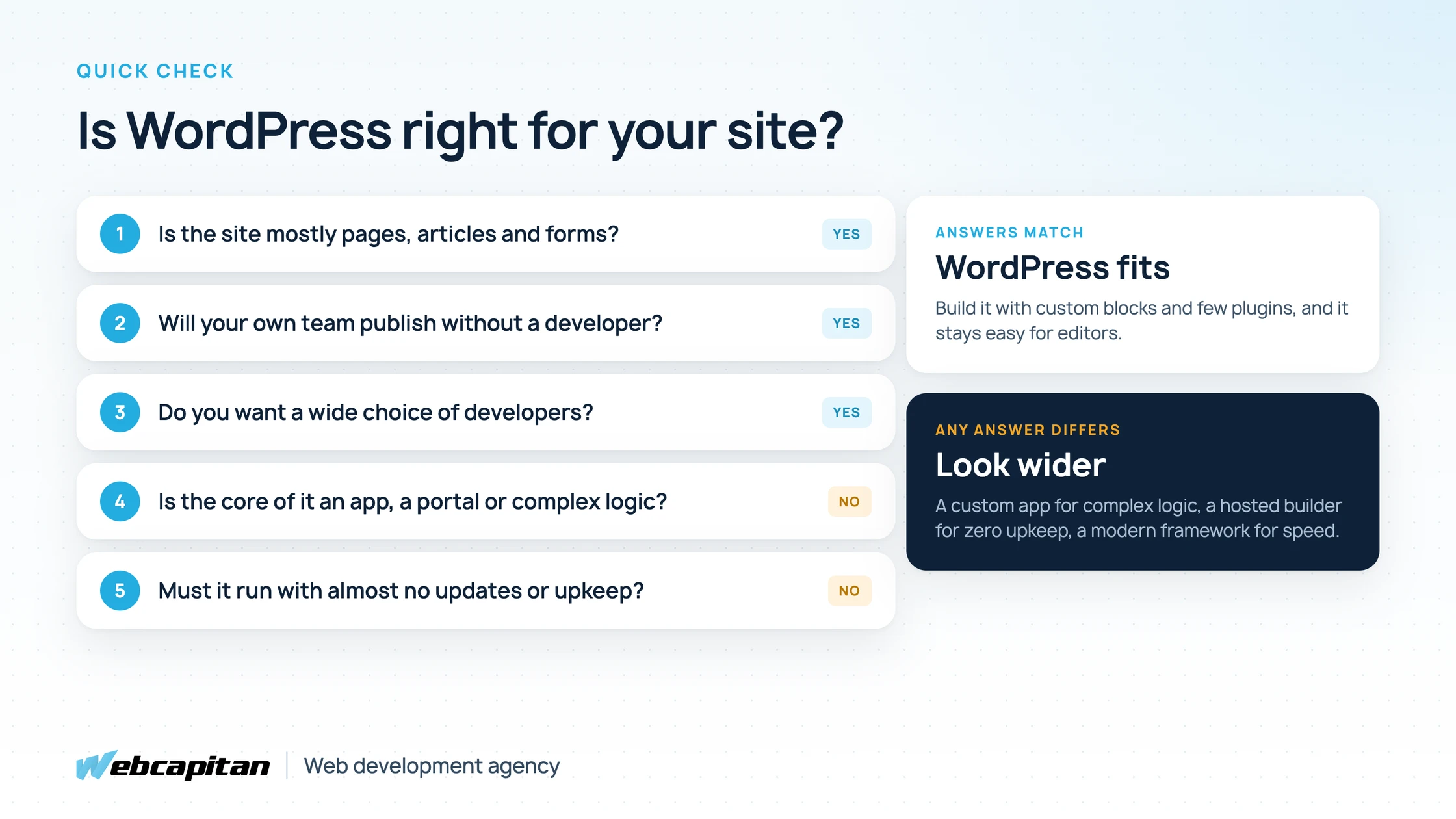
Five questions that usually settle the choice.
WordPress is likely the right choice if:
- your site is mostly pages, articles, case studies and contact forms;
- several people need to publish without asking a developer;
- you want a large choice of developers and do not want to depend on one team;
- you need a blog, landing pages or a simple online store;
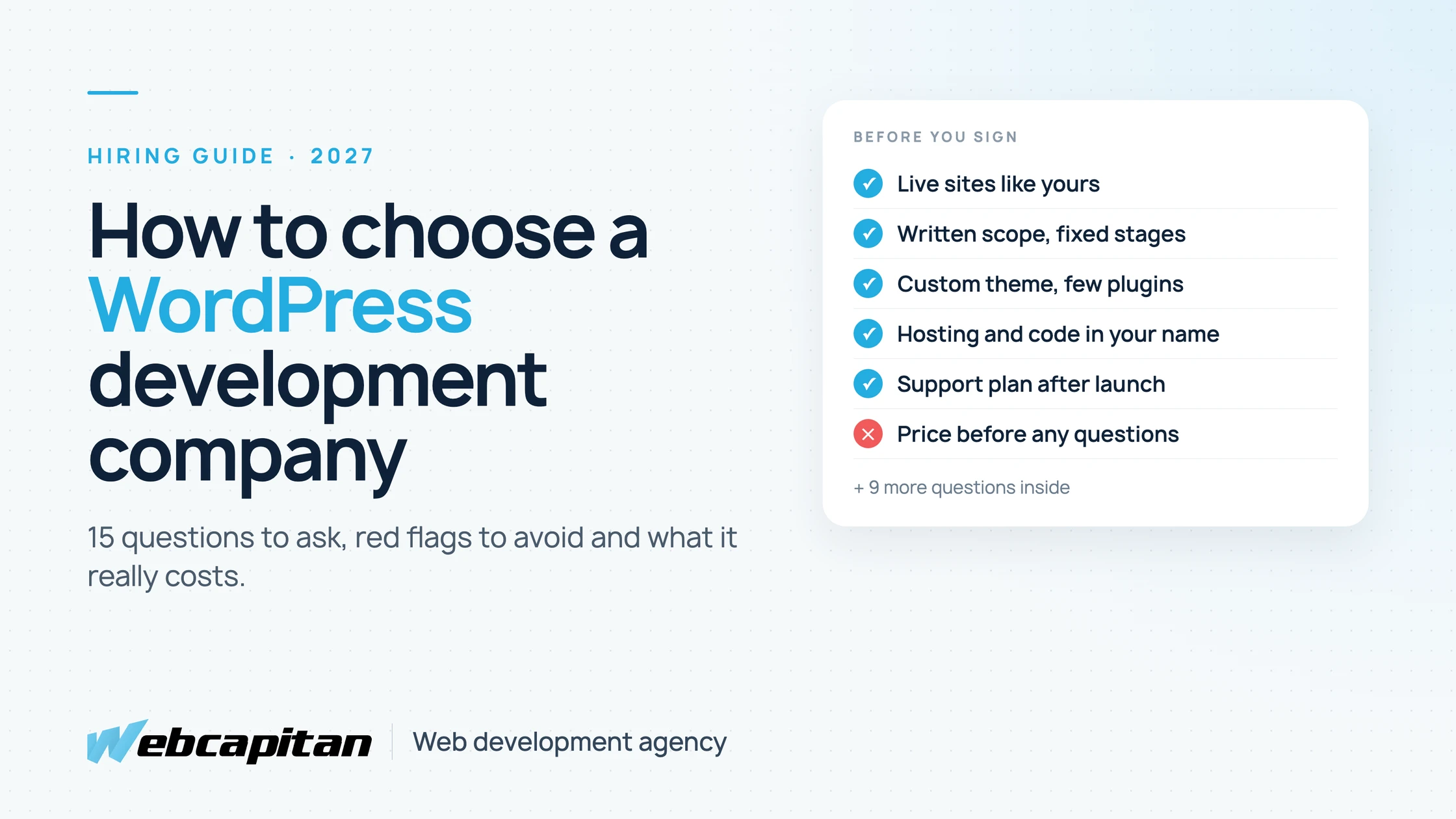
- you are happy to keep the site updated or hand that to someone.
Look at other options if:
- the core of your project is an app, a portal or complex business logic;
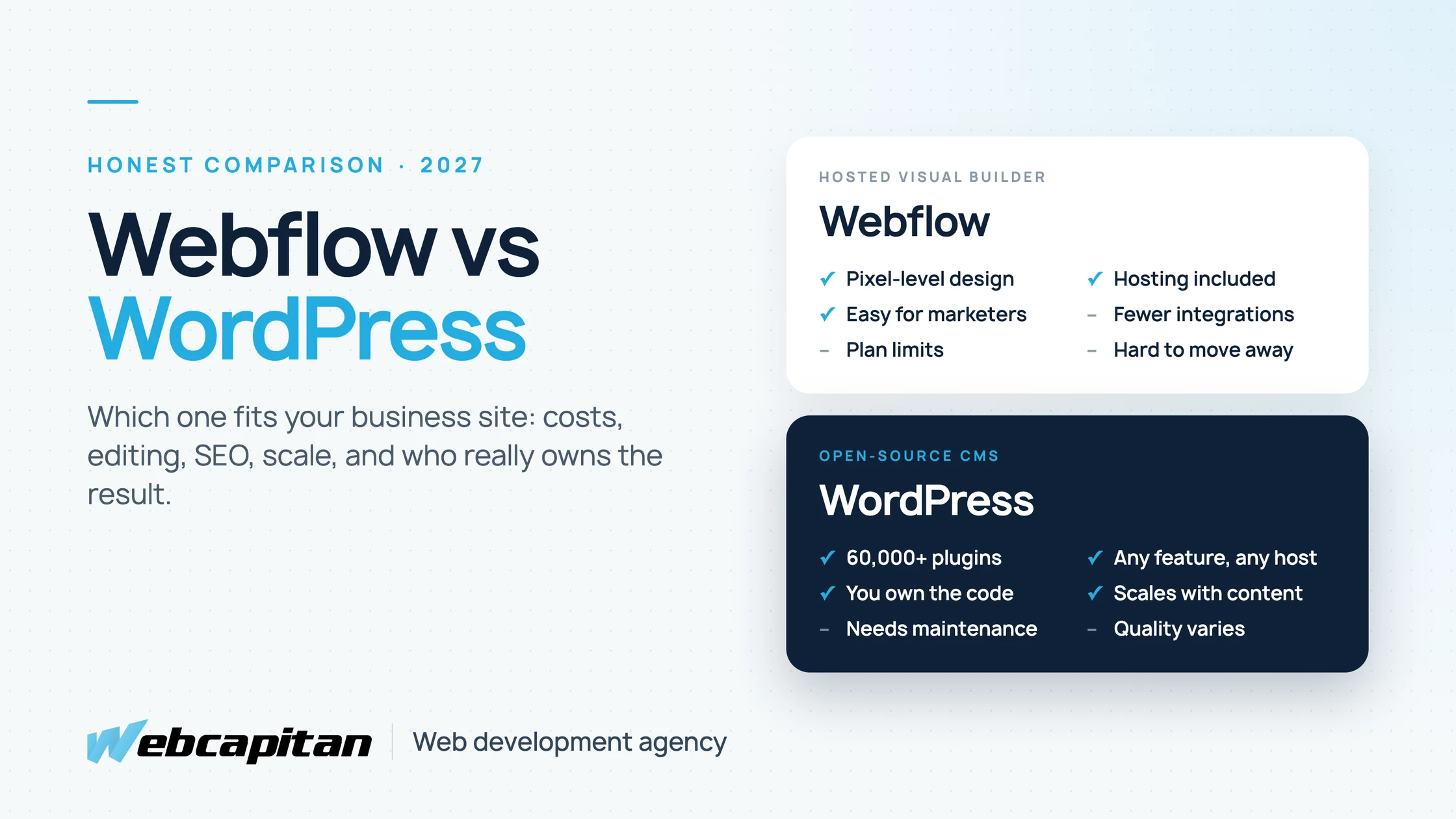
- you want a polished marketing site with no plugins and no updates to manage, where a hosted builder such as Webflow may suit you better (see Webflow vs WordPress);
- speed and security are critical and your team is comfortable with a modern framework (see React vs Next.js vs WordPress).
How to Make WordPress Easier for Your Team
Most of the difficulty can be designed out: fewer plugins, blocks made for your content, the right permissions and a safe place to test.
- Build custom blocks for your real content. Editors fill in fields instead of arranging layouts, and nothing breaks when they do.
- Keep plugins to the minimum. Remove the ones nobody uses and replace overlapping ones with a single solution.
- Give each person the right role. Authors and editors do not need access to plugins, themes or settings.
- Use a staging copy. Test updates and big changes on a copy of the site before they reach visitors.
- Write a one-page guide. How to add a post, a case study and a page on your site, with screenshots. It saves hours of questions.
- Let someone own the updates. Either a person on your team with time set aside for it, or WordPress support from a developer.
When We Recommend WordPress and When We Don't
We recommend WordPress for most business websites and suggest something else when the project is closer to an application or the team wants no maintenance at all.
We build custom WordPress websites every month, usually with custom blocks so that clients can edit everything themselves. At the same time, we moved our own website from WordPress to Next.js and Node.js this year: after a hack, with 39 plugins to keep updated, we wanted our own site to run on the stack we now build for clients. We describe that decision in why we moved our website from WordPress to Next.js. Neither choice is right for everyone; what matters is matching the platform to what the site has to do.
Frequently Asked Questions
Is WordPress good for beginners?
Yes, for writing and publishing content. Beginners learn the editor quickly. Setting up hosting, a theme and plugins on your own is harder, so many beginners either start with a simple theme or have the site built and then take over the content.
Can I use WordPress without coding?
Yes. You can run and update a WordPress site without writing code. Code is only needed for custom features, design changes beyond what the theme allows, and fixing problems.
Why is WordPress so hard to use?
Usually because of how the site was built rather than WordPress itself: a theme that resists changes, a page builder with too many settings, dozens of plugins or no one responsible for updates. A cleanly built site with custom blocks is much easier.
Should I use WordPress in 2027?
For a business website, a blog or a small online store, yes, it remains a safe and flexible choice. For a web application, a client portal or a site that must have almost no maintenance, consider a custom build or a hosted platform.
About the author

CEO & Founder, Webcapitan
Roman Yashchuk founded Webcapitan in 2014 and leads the team of 22 designers and developers in Vinnytsia and London. He works hands-on in UI/UX design, WordPress and PHP/Laravel development, and writes about choosing platforms, costs and keeping websites fast and secure.
All articles by Roman Yashchuk