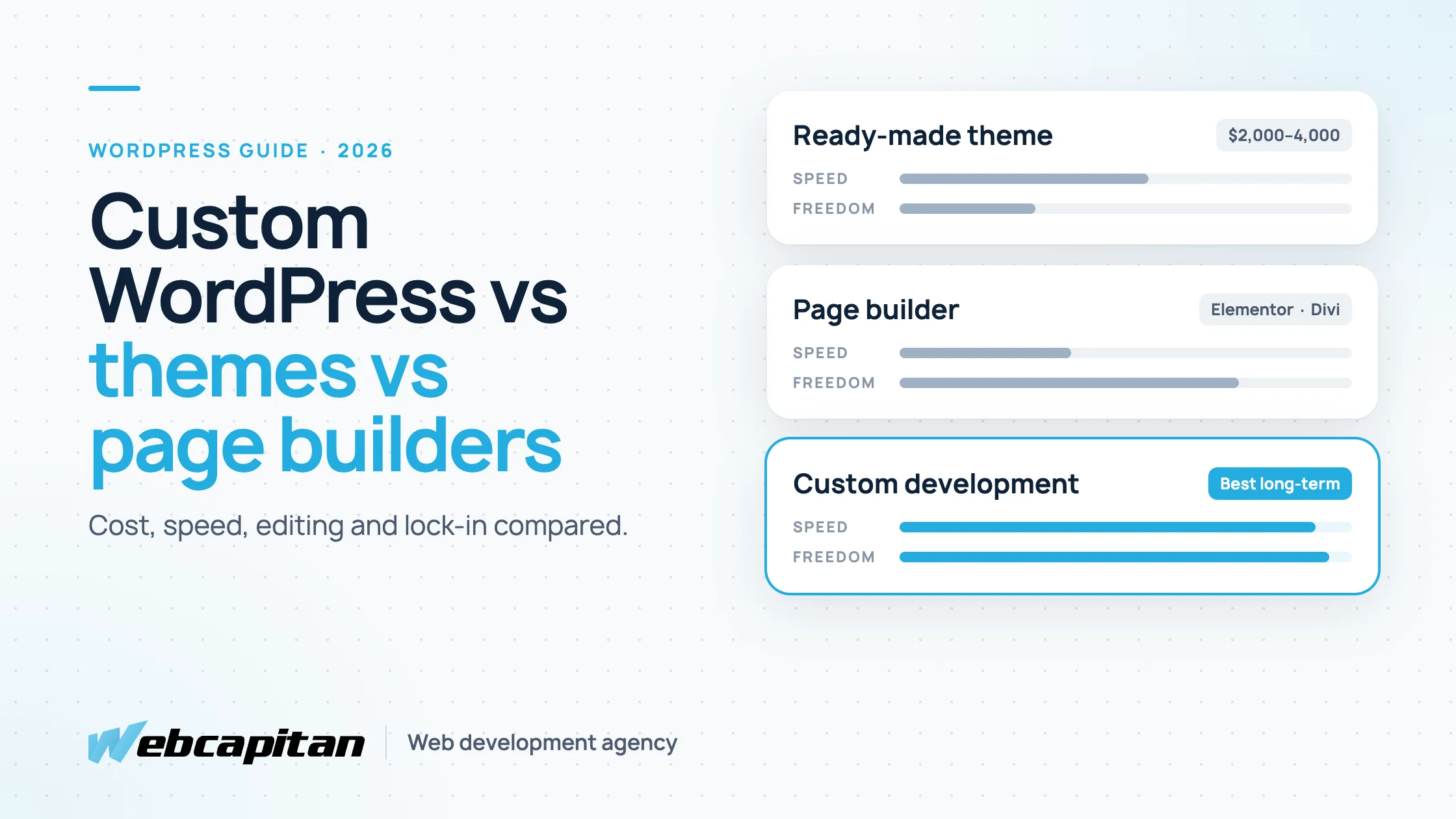
There are three ways to build a WordPress website: install a ready-made theme, design pages with a page builder such as Elementor or Divi, or commission custom WordPress development, where a developer builds a theme and blocks for your exact design and content. Themes are the cheapest and fastest, page builders give marketers the most visual freedom, and custom development gives the best speed, the cleanest editing and the lowest long-term maintenance for a site that matters to your business.
This guide compares the three on cost, speed, flexibility, editing and maintenance, shows when each one makes sense and explains how to move from a builder to a custom build without losing rankings. It is written for business owners and marketing managers in the US and UK who are choosing how to build, or rebuild, a company website.
The three ways to build a WordPress website
All three run on the same WordPress core; they differ in who designs the layout, where it is stored and how much code you own.
Ready-made theme
A ready-made theme is a pre-designed package of templates bought from a marketplace or a theme shop. You install it, import the demo content and replace texts and images with your own. Most premium themes cost $50–$100 once, often with a yearly fee for updates and support, and many bundle a page builder and a stack of plugins.
Page builder
A page builder such as Elementor, Divi, WPBakery or Bricks replaces the standard editor with a drag-and-drop canvas. Pages are assembled visually from widgets: headings, images, sliders, forms. A developer or a marketer can build almost any layout without writing code, and the builder's styles and scripts are loaded on every page that uses it.
Custom WordPress development
Custom WordPress development means a developer builds a theme from your own design, usually made in Figma, with only the code your site needs. Editors work in the standard block editor with custom blocks, or with structured fields built with Advanced Custom Fields, so each type of content has exactly the inputs it needs. The site has no builder, and plugins are added only for real features such as forms, SEO or multilingual content.
Comparison table
The quickest way to see the trade-offs is side by side.
| Factor | Ready-made theme | Page builder | Custom development |
|---|---|---|---|
| Typical build cost | $2,000–$4,000 with setup and content | $2,000–$6,000 | $4,000–$10,000 for a business site; more for complex platforms |
| Time to launch | 2–4 weeks | 3–5 weeks | 4–10 weeks, including design |
| Design freedom | Limited to the theme's layouts | High, within the builder's widgets | Complete |
| Page speed | Varies; demo features add weight | Heavier pages, extra CSS and JavaScript | Fastest; only the code you need |
| Editing | Theme options plus the standard editor | Visual, but easy to break layouts | Structured blocks and fields; hard to break |
| Yearly licences | Theme plus bundled plugins | Builder Pro plan plus add-ons | Only the plugins you choose |
| Lock-in | Medium: switching theme means redoing layouts | High: content is stored in the builder's format | Low: content stays in standard WordPress blocks and fields |
| Best for | Small budgets, temporary or test sites | Marketing teams that build pages daily | Business sites where speed, brand and SEO matter |
Prices follow our WordPress website cost guide: most business websites we build fall between $4,000 and $12,000, depending on design, integrations and content.
Speed and SEO
Custom development produces the fastest pages, because nothing is loaded that the page does not use; themes and builders carry code for features you may never touch.
A multipurpose theme is designed to sell to thousands of buyers, so it ships with sliders, portfolios, shop layouts and animation libraries. A page builder adds its own framework of styles and scripts and wraps every element in several layers of markup. Both can be optimised with caching and careful settings, but you are removing weight that a custom build never adds.
Speed matters for SEO through Core Web Vitals and, more directly, for conversion: visitors on mobile networks leave slow pages before they see your offer. A custom theme also gives the developer full control over headings, structured data and image handling, which is harder to guarantee when a builder generates the markup.
Flexibility and design
Page builders give the most freedom to non-developers; custom development gives the most freedom overall but routes big layout changes through a developer.
A ready-made theme looks like its demo. Changing its structure beyond the theme options usually means overriding its code, which turns a cheap site into a fragile one. A builder lets you place anything anywhere, which is exactly why builder sites often drift away from the brand over time: every new page is designed from scratch by whoever is editing it.
A custom build starts from your own design system: colours, typography, spacing and a set of components. Editors combine those components to create new pages, so the site stays consistent. When you need a genuinely new layout, a developer adds a new block, which takes hours, not weeks. If your design is still generic, our comparison of ready-made themes and custom design explains when a unique design is worth paying for.
Editing experience
The best editing experience is the one that matches how your team works: builders suit visual page creators, custom blocks suit teams that publish content within a fixed design.
- Theme: editors work with the standard editor and a long theme options panel. Simple, but layouts outside the demo are hard to create.
- Page builder: editors see the page as they build it. The downside is that it is just as easy to break spacing, mobile layouts or headings, and the editor slows down on long pages.
- Custom development: editors fill in clearly labelled blocks and fields: a case study has a client, a challenge, results and a gallery. They cannot break the design, and new team members learn it quickly.
Maintenance and long-term cost
The cheapest site to build is rarely the cheapest site to own; licences, plugin conflicts and lock-in add up over the years.
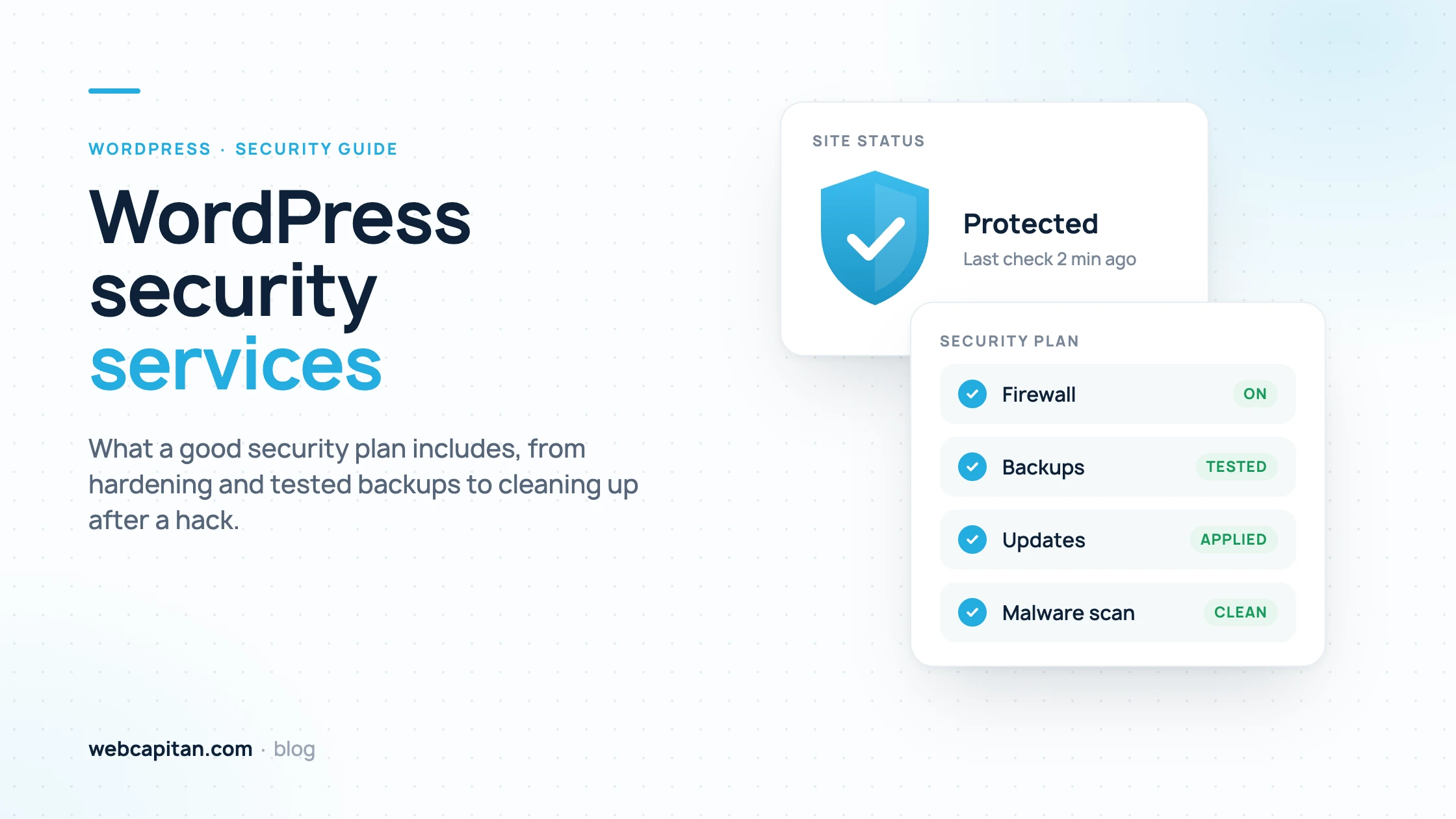
Themes and builders depend on their vendors. Premium licences commonly cost $50–$500 a year across the theme, the builder and their add-ons, and every update can change how existing pages render. Bundled plugins increase the number of things that can conflict or need security patches, and outdated plugins are the most common way WordPress sites get hacked, as we explain in our guide to WordPress security services.
Lock-in is the hidden cost of builders. Pages built in a builder are stored in its own format; if you switch it off, you are left with broken layouts or leftover shortcodes, so moving away later means rebuilding pages one by one. A custom theme stores content in standard WordPress blocks and fields, which survive a redesign.
When each option makes sense
Choose by the role the website plays in your business, not by the build price alone.
- Choose a ready-made theme for a test of a new business idea, a short-lived campaign site or a very small budget where launching this month matters more than anything else.
- Choose a page builder if your marketing team creates many landing pages every month, values independence from developers above speed, and accepts heavier pages and a yearly licence.
- Choose custom WordPress development if the site generates leads or sales, your brand needs to look distinctive, page speed and SEO matter in a competitive market, or you plan to keep the site for years.
There is also a middle way: a custom theme with a library of flexible blocks gives marketers builder-like freedom to assemble pages from approved components, without the builder's weight. This is how we build most WordPress sites today.
How to move from a page builder to a custom build
Moving from a builder to a custom theme is a rebuild of the front end, not of your content strategy, and it can be done without losing rankings if URLs and on-page SEO are preserved.
- Audit the current site. List every page and its URL, the plugins in use, forms and integrations, and the pages that bring traffic and leads in Search Console.
- Design the component system. Turn recurring sections into a set of blocks: hero, features, testimonials, pricing, FAQ, call to action.
- Build the custom theme on a staging copy of the site, connected to your existing content.
- Rebuild pages with the new blocks. Builder layouts cannot be converted automatically; texts and images are moved into the new blocks, which is also a good moment to update content.
- Keep every URL, title and meta description. If a URL must change, add a 301 redirect. Check headings, internal links and structured data.
- Launch and monitor. Remove the builder and its add-ons, test speed and forms, and watch Search Console for errors in the first weeks.
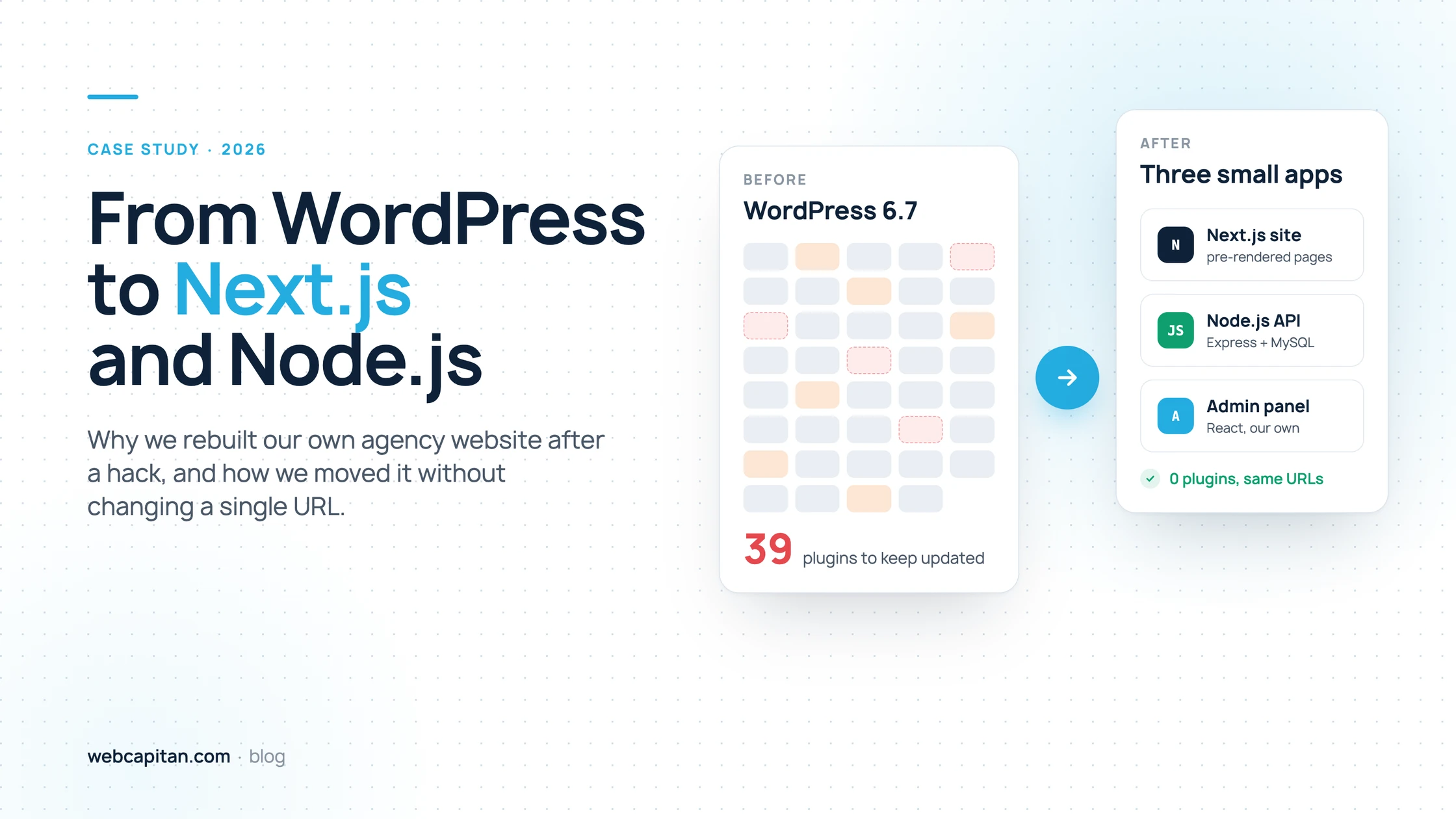
We did a bigger version of this for our own site, moving away from WordPress entirely while keeping every URL; the details are in why we moved our agency website from WordPress to Next.js. For a closer look at Elementor specifically, read Elementor vs custom WordPress development.
What custom WordPress development services include
A custom WordPress project covers design, development, content setup and launch, so you get a finished site rather than just a theme.
- Discovery: goals, page structure, content types and integrations.
- UI/UX design in Figma, including mobile layouts and a component library.
- A custom theme with Gutenberg blocks or ACF fields, built for speed and accessibility.
- Integrations: CRM, booking, payments, email marketing or your own API.
- Technical SEO: clean headings, structured data, sitemaps, redirects from the old site.
- Content migration, testing on real devices, launch and training for editors.
- Support and maintenance after launch.
Frequently asked questions
Is custom WordPress development worth the extra cost?
For a site that generates leads or sales, usually yes: it loads faster, is easier to edit without breaking, needs fewer paid licences and does not lock you into a builder. For a temporary or test site, a theme is the better use of money.
Can a custom WordPress site still be edited without a developer?
Yes. Editors create and update pages, posts, images and menus themselves, and build new pages from the site's blocks. A developer is only needed for a genuinely new type of section or a new feature.
Is Elementor bad for SEO?
Elementor does not stop a site from ranking, and many Elementor sites rank well. It adds extra markup and files, so it is harder to reach top page speed, and that can matter in competitive niches. Good content and links still matter more than the builder.
Can you customise an existing theme instead of building a new one?
Yes, with a child theme, and it is a sensible option for small changes. Heavy customisation of a multipurpose theme often costs nearly as much as a custom theme while keeping all of its weight, so past a certain point a new build is better value.
How long does custom WordPress development take?
A small business website usually takes three to five weeks and a custom lead-generation site six to ten weeks, depending on design, integrations and how quickly content and feedback arrive.
Conclusion
Themes are fastest to launch, page builders give marketers visual freedom, and custom WordPress development gives the best speed, consistency and long-term value for a site your business depends on. If your current site is slow, hard to edit or held together by plugins, our custom WordPress development team can review it and suggest whether to optimise, rebuild in blocks or start fresh. See all our WordPress development services or send us a short brief for an estimate.
About the author

CEO & Founder, Webcapitan
Roman Yashchuk founded Webcapitan in 2014 and leads the team of 22 designers and developers in Vinnytsia and London. He works hands-on in UI/UX design, WordPress and PHP/Laravel development, and writes about choosing platforms, costs and keeping websites fast and secure.
All articles by Roman Yashchuk