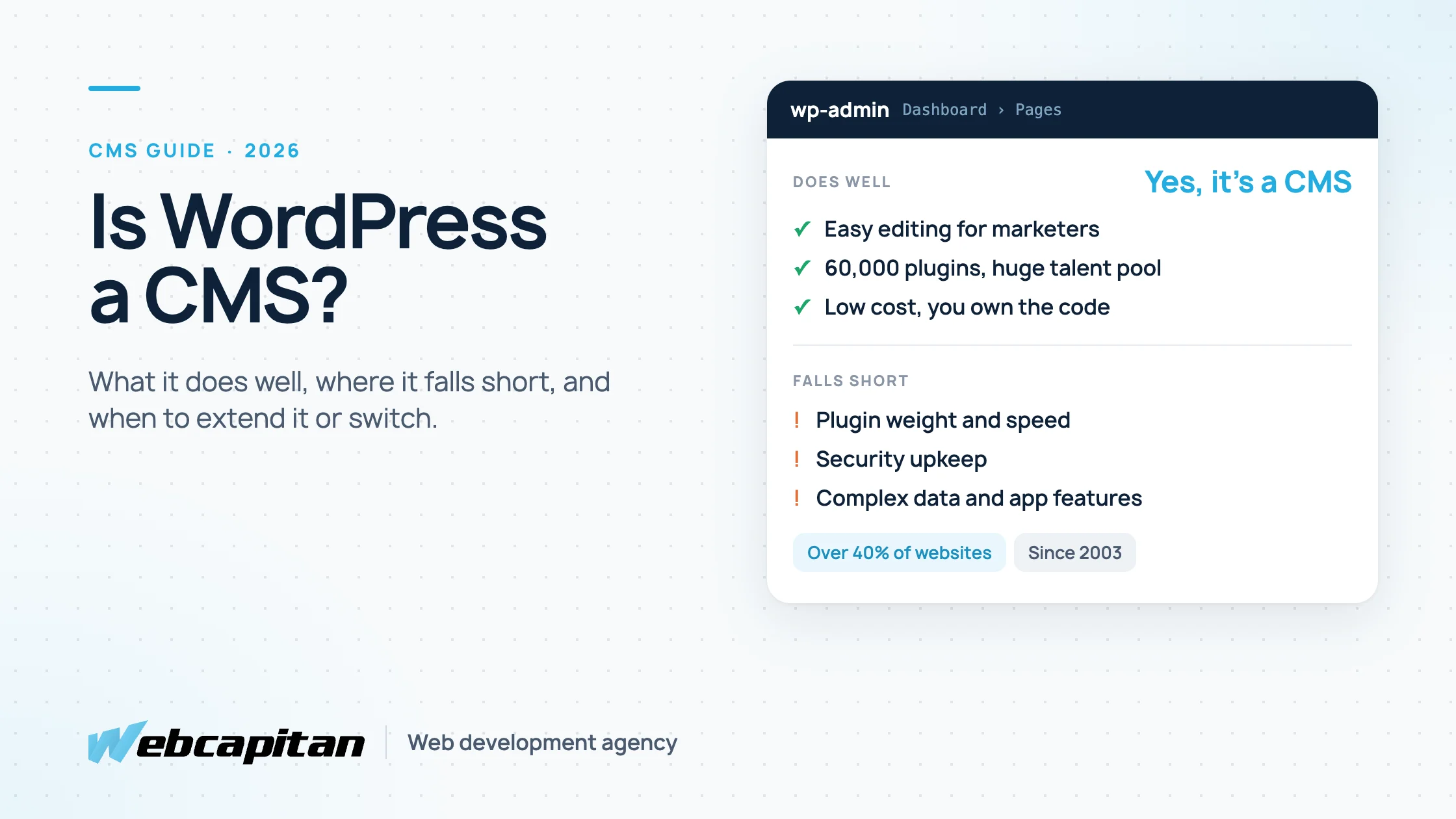
Yes, WordPress is a content management system (CMS): software that lets you create, edit and publish website content without writing code. It started as blogging software in 2003 and now powers over 40% of all websites, from small business sites and blogs to online stores and news portals. It is easy to use for everyday editing, but it has real limitations with complex data, heavy plugin use, security upkeep and application-like features.
This guide explains how WordPress works as a CMS, what it does well, where it falls short, how easy it really is to use, and when to extend it or move to something else. It is written for business owners and marketing managers deciding what to build their website on.
What is a CMS?
A CMS is software that separates a website's content from its code, so non-technical people can manage pages, posts, images and menus through an admin panel.
Every CMS does three jobs: it stores content in a database, gives editors an interface to change that content, and turns the content into web pages using templates. Some systems also manage users, roles, revisions and publishing workflows. If you want the longer introduction, read what a CMS is and what it is for.
How WordPress works as a CMS
WordPress stores content in a MySQL database, lets editors manage it in the wp-admin dashboard, and renders pages through a theme, with plugins adding extra features.
- Content types. Out of the box there are posts and pages; developers add custom post types such as services, case studies, products or team members.
- Editor. The block editor (Gutenberg) builds pages from blocks: paragraphs, images, columns, buttons and custom blocks made for your site.
- Taxonomies. Categories, tags and custom taxonomies organise content and generate archive pages.
- Media library. Images, videos and documents with automatic resized copies.
- Users and roles. Administrator, editor, author, contributor and subscriber, each with different permissions.
- Themes and plugins. The theme controls design; plugins add features such as forms, SEO, e-commerce, multilingual content or memberships.
- REST API. Content can also be delivered as data to other applications, which is how headless WordPress works.
WordPress.org vs WordPress.com
WordPress.org is the free, open-source software you install on your own hosting, with full control over themes, plugins and code. WordPress.com is a hosted service run by Automattic that uses the same software but limits what you can install on cheaper plans. Business websites built by an agency almost always use WordPress.org; the difference is covered in 5 things to know before using WordPress.
What WordPress does well
WordPress is strongest where most business websites live: content-driven sites that marketing teams update often, on a budget, with a large choice of developers.
- Low cost of entry. The software is free, hosting is affordable, and a professional business site starts from around $2,000.
- Familiar editing. Many marketers have used WordPress before, so training is short.
- Huge ecosystem. About 60,000 free plugins and thousands of themes cover forms, SEO, e-commerce with WooCommerce, bookings, memberships and more.
- Developer availability. You can find WordPress developers at every price level and are not tied to one agency.
- SEO tooling. Mature SEO plugins such as Yoast and Rank Math handle titles, descriptions, sitemaps and structured data.
- Ownership. You own your content and code and can move to another host at any time.
Where WordPress falls short
WordPress's limitations come mostly from its age, its plugin model and its blogging roots: it can do almost anything, but not everything efficiently.
Performance with many plugins
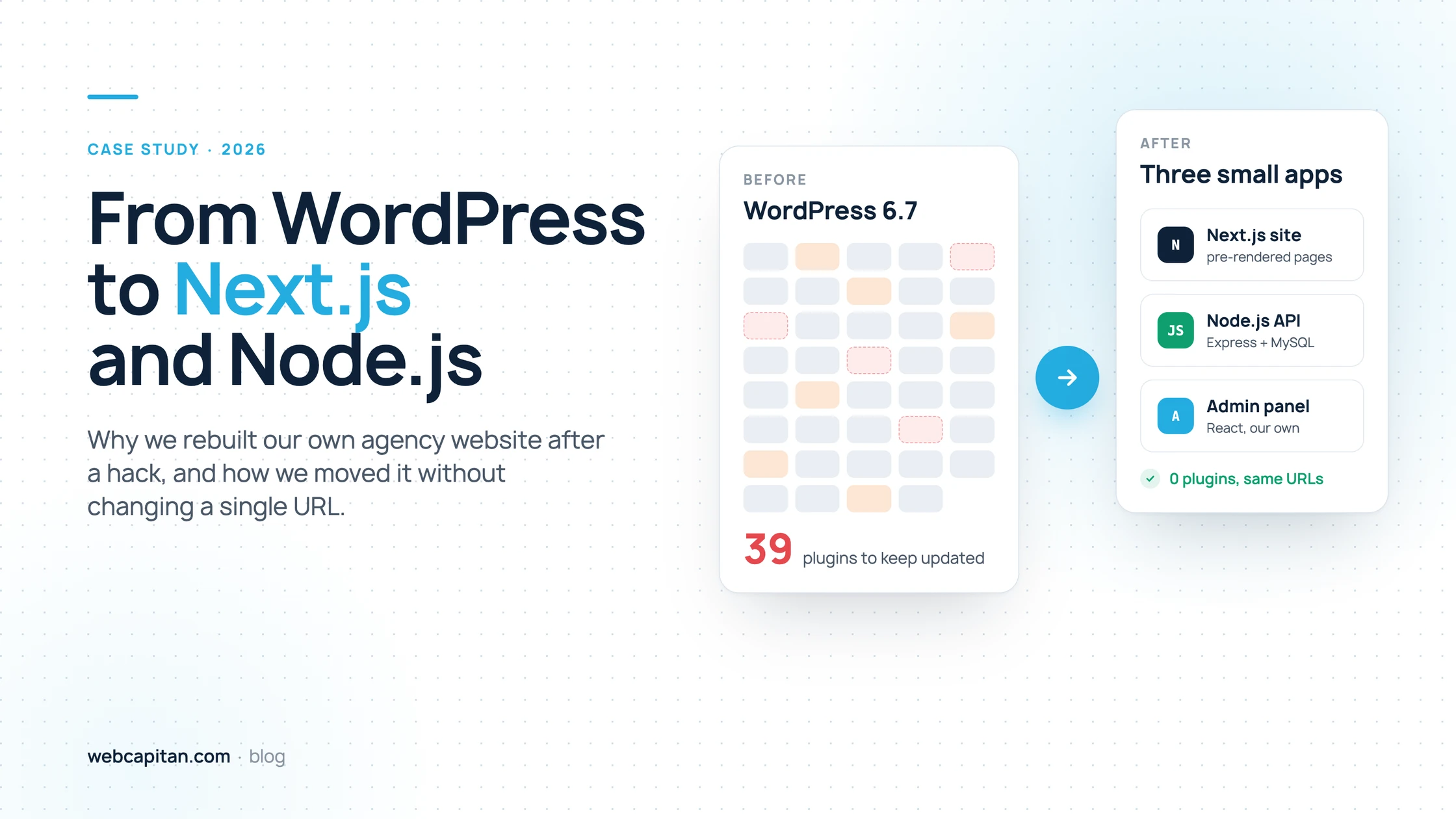
Every plugin can add database queries, scripts and styles. A site with dozens of plugins and a page builder becomes slow and needs caching layers to compensate. When we moved our own site away from WordPress, it had 39 plugins, including two caching plugins and three image optimisers; the full story is in why we moved our agency website to Next.js.
Security upkeep
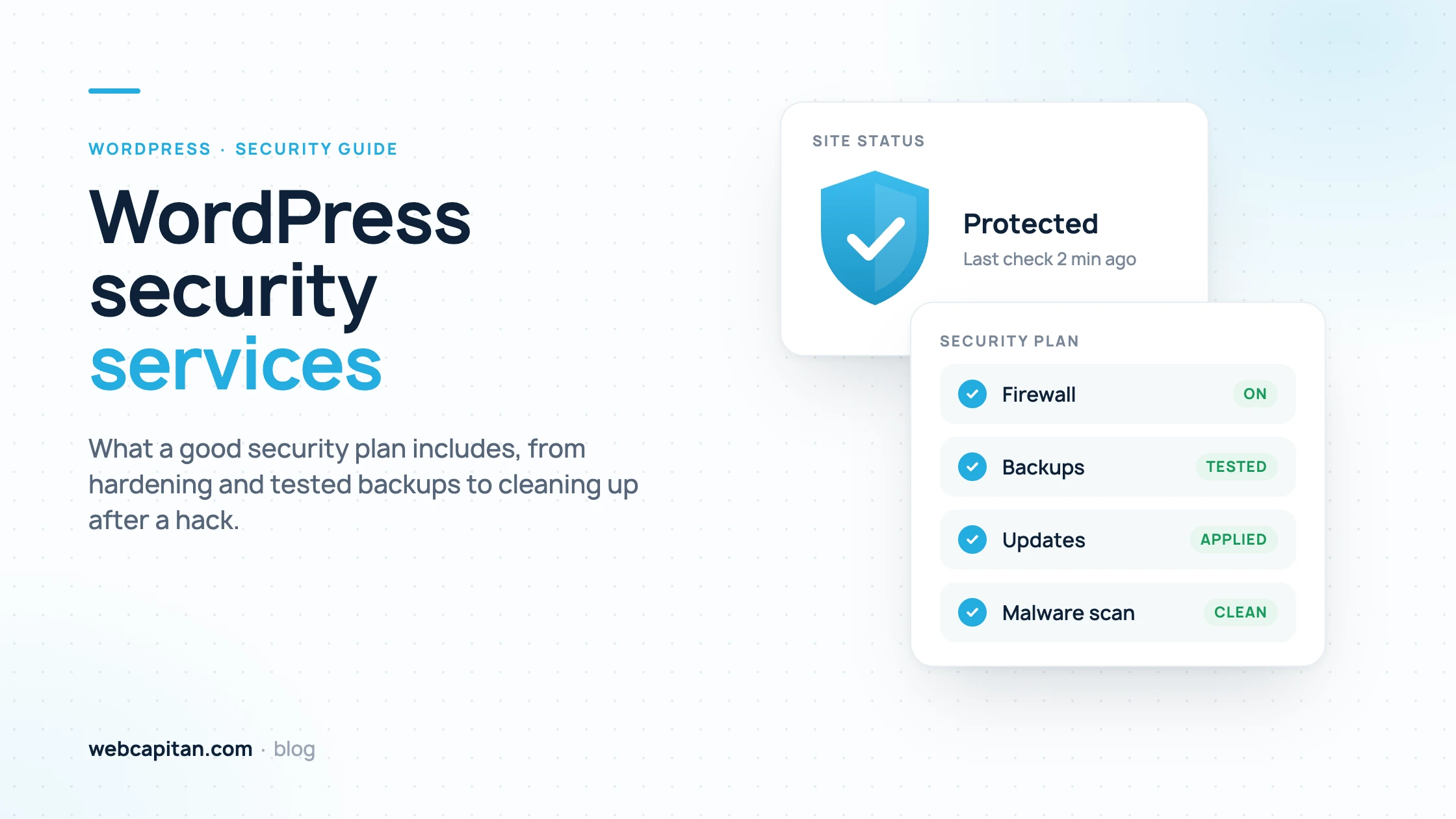
WordPress core is reasonably secure, but its popularity makes it a constant target, and most hacks come through outdated plugins and themes or weak passwords. A WordPress site needs regular updates, backups and monitoring. Our own old site was hit by the Japanese keyword hack, and our guide to WordPress security services explains what a proper security plan includes.
Complex or relational data
WordPress stores most extra data as key-value "post meta". That works for a services page with a few custom fields, but becomes slow and awkward for things like a property database with filters, a product catalogue with complex variations or data that has many relationships. At that point a custom database usually serves better.
Application features
Customer portals, dashboards, multi-step calculators, complex permissions or real-time features can be built in WordPress, but they fight its page-based structure. A web application framework such as Node.js with a dedicated database is usually cheaper to build and maintain for that kind of product.
Multilingual and multi-site setups
WordPress has no built-in multilingual support. Plugins such as WPML or Polylang solve it, but add cost, complexity and their own update cycle. WordPress Multisite can run several sites from one installation, with its own set of trade-offs.
Editor consistency
The block editor is flexible, and with a page builder on top it is very flexible, which makes it easy for editors to break layouts or drift from the brand. A custom set of blocks fixes this, but it has to be built deliberately.
Is WordPress easy to use?
WordPress is easy for day-to-day editing and harder for setup, maintenance and anything custom.
| Task | How easy it is | Comment |
|---|---|---|
| Writing and publishing posts | Easy | Most people learn it in an hour |
| Updating texts and images on pages | Easy | Simple with well-built custom blocks; riskier in page builders |
| Creating new page layouts | Medium | Depends on the theme or builder |
| Choosing and configuring plugins | Medium to hard | Quality varies; conflicts are common |
| Updates, backups and security | Hard to do well | Needs a routine and someone responsible |
| Custom features and integrations | Developer work | Custom post types, APIs, CRM and payment integrations |
In practice, editors find WordPress easy when a developer has set it up around their content. The difficult parts are the ones visitors never see: plugins, updates and security.
When to extend WordPress and when to switch
Most limitations can be solved within WordPress; switch only when the site is turning into an application or when maintenance costs more than a new platform.
Stay on WordPress and extend it when your site is mainly content and lead generation, your team edits it often, and the problems are speed or a messy plugin list. A custom theme with your own blocks, fewer plugins and proper hosting solves most of that. See our WordPress development services.
Go headless when your team wants to keep wp-admin but you need much faster pages, several channels or more design freedom. WordPress keeps the content, and a separate front end renders the pages; costs and trade-offs are in our guide to headless WordPress with Next.js.
Choose another CMS when your content is highly structured and your editors want a cleaner, purpose-built admin; our Craft CMS vs WordPress comparison covers one popular alternative.
Build a custom web application when the site has accounts, dashboards, complex data or business logic at its core. A custom CMS starts from $6,000, and the admin is built exactly around your data; our WordPress vs custom CMS guide compares the two in detail.
Frequently asked questions
Is WordPress a CMS or a website builder?
WordPress is a CMS. Website builders such as Wix or Squarespace are hosted services where the software, hosting and design tools come as one package with fixed limits. WordPress is software you install and extend, which gives more control and more responsibility.
Is WordPress a headless CMS?
It can be. WordPress is a traditional CMS by default, rendering pages with a theme, but its REST API and the WPGraphQL plugin let it serve content to a separate front end, which makes it work as a headless CMS.
Is WordPress good for large websites?
Yes, for content-heavy sites: large publishers and corporate sites run on WordPress with proper hosting and caching. It is a weaker fit for large sites built around complex data or application features rather than content.
Why do some developers say not to use WordPress?
Usually because they have seen slow, plugin-heavy or hacked WordPress sites, or because their project is really an application. A well-built WordPress site with a custom theme and few plugins avoids most of those problems; for application-like projects their advice is often right.
Does WordPress need maintenance?
Yes. Core, theme and plugins need updates, backups must be taken and tested, and the site should be monitored for errors and security issues. Maintenance plans commonly cost $40–$300 or more per month, depending on the service level.
Conclusion
WordPress is a full CMS, and for most content-driven business websites it remains a sensible, affordable choice with a huge ecosystem and easy editing. Its weak points are plugin weight, security upkeep, complex data and application features. If your site is fighting one of those, the fix may be a cleaner WordPress build, a headless front end or a different platform. Send us your site and goals and we will tell you which option fits and what it will cost.
About the author

CEO & Founder, Webcapitan
Roman Yashchuk founded Webcapitan in 2014 and leads the team of 22 designers and developers in Vinnytsia and London. He works hands-on in UI/UX design, WordPress and PHP/Laravel development, and writes about choosing platforms, costs and keeping websites fast and secure.
All articles by Roman Yashchuk