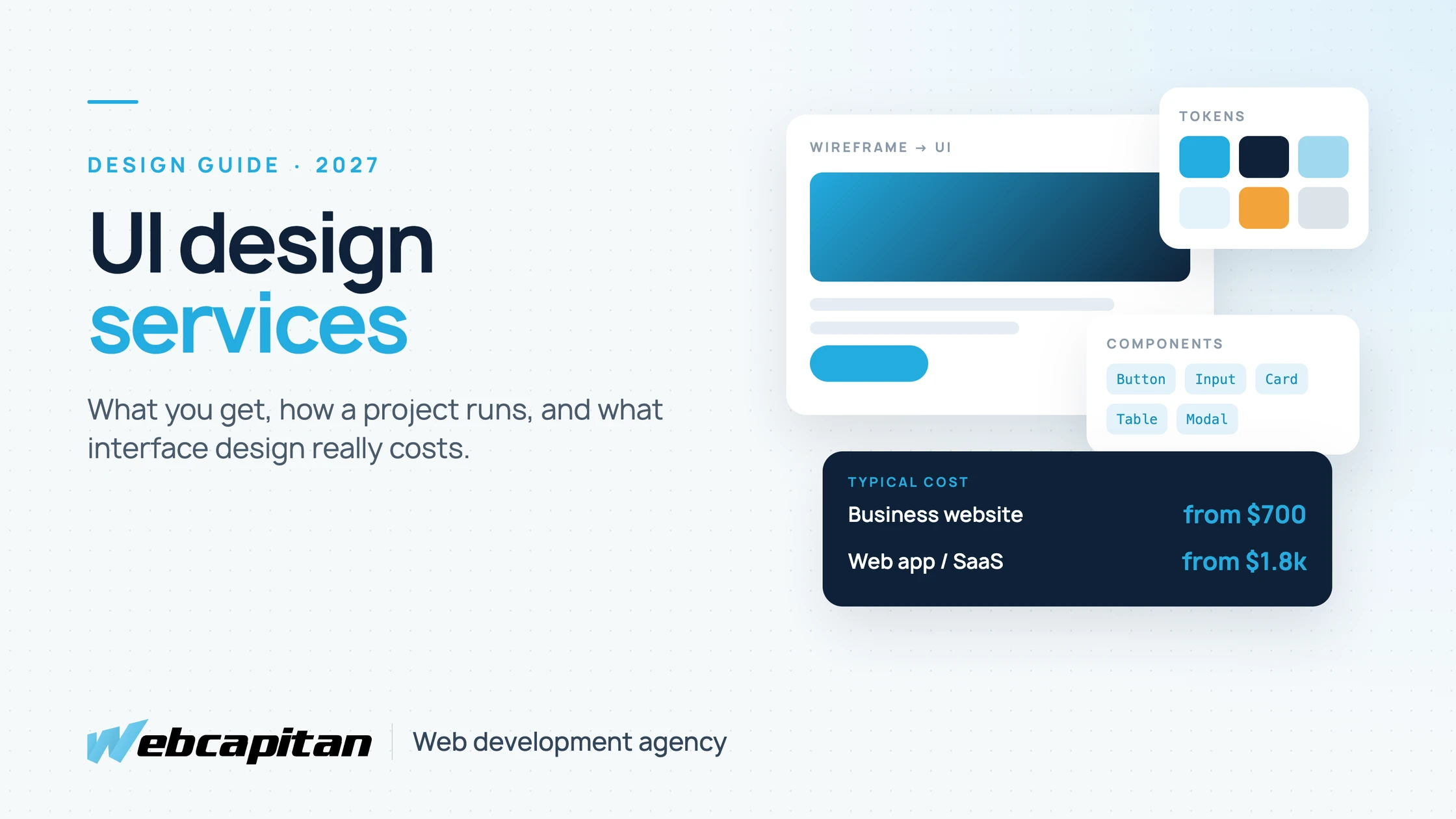
In 2027 a UI design for a business website typically costs from $700, and the interface for a web app or SaaS product from $1,800. The price depends on the number of unique screens and how much research comes with it. For that money you get layouts, components, typography, colour, states and interactions, delivered as a design system and a clickable prototype that developers can build without guessing.
This guide explains what the price includes, how UI differs from UX design, how a professional project runs week by week and how to judge a design team before you hire one. It is written for founders, product owners and marketing leads in the US and UK who are about to buy design work, not for designers. If you already know you need a team, see our UI/UX design services.
What Are UI Design Services?
UI (user interface) design services cover everything a user sees and touches on a screen: the visual layout, the components, and how each element behaves when someone clicks, types, waits or makes a mistake.
A good UI designer does far more than make screens look attractive. They decide how information is grouped, what the main action on every screen is, how forms show errors, what a table looks like when it is empty or has 10,000 rows, and how the same component adapts from a 27-inch monitor to a phone. The result is not a set of pictures but a system: reusable components, design tokens and documented rules that keep the product consistent as it grows.
UI vs UX Design: What Is the Difference?
UX design decides what the product should do and in which order; UI design decides how it looks and behaves on screen. Most projects need both, in proportions that depend on how well the problem is already understood.
| UX design | UI design | |
|---|---|---|
| Main question | Does this solve the user's problem? | Is it clear, consistent and pleasant to use? |
| Typical work | Interviews, user flows, information architecture, wireframes, usability tests | Visual design, components, design system, interactions, prototype |
| Deliverables | Personas, journey maps, flows, low-fidelity wireframes | High-fidelity screens, UI kit, tokens, interactive prototype, hand-off specs |
| When it matters most | New products, complex processes, low conversion | Redesigns, scaling a product, brand consistency, developer speed |
If you already know your users and your flows, a UI-led project with a short UX review is enough. If you are not sure why users drop off, start with UX research and analysis. We explain the two disciplines in more depth in UX vs UI design in software development.
What a UI Design Service Should Include
A complete UI design service delivers screens, a reusable component library, a prototype and a hand-off package; if any of these is missing, developers will fill the gaps by guessing.
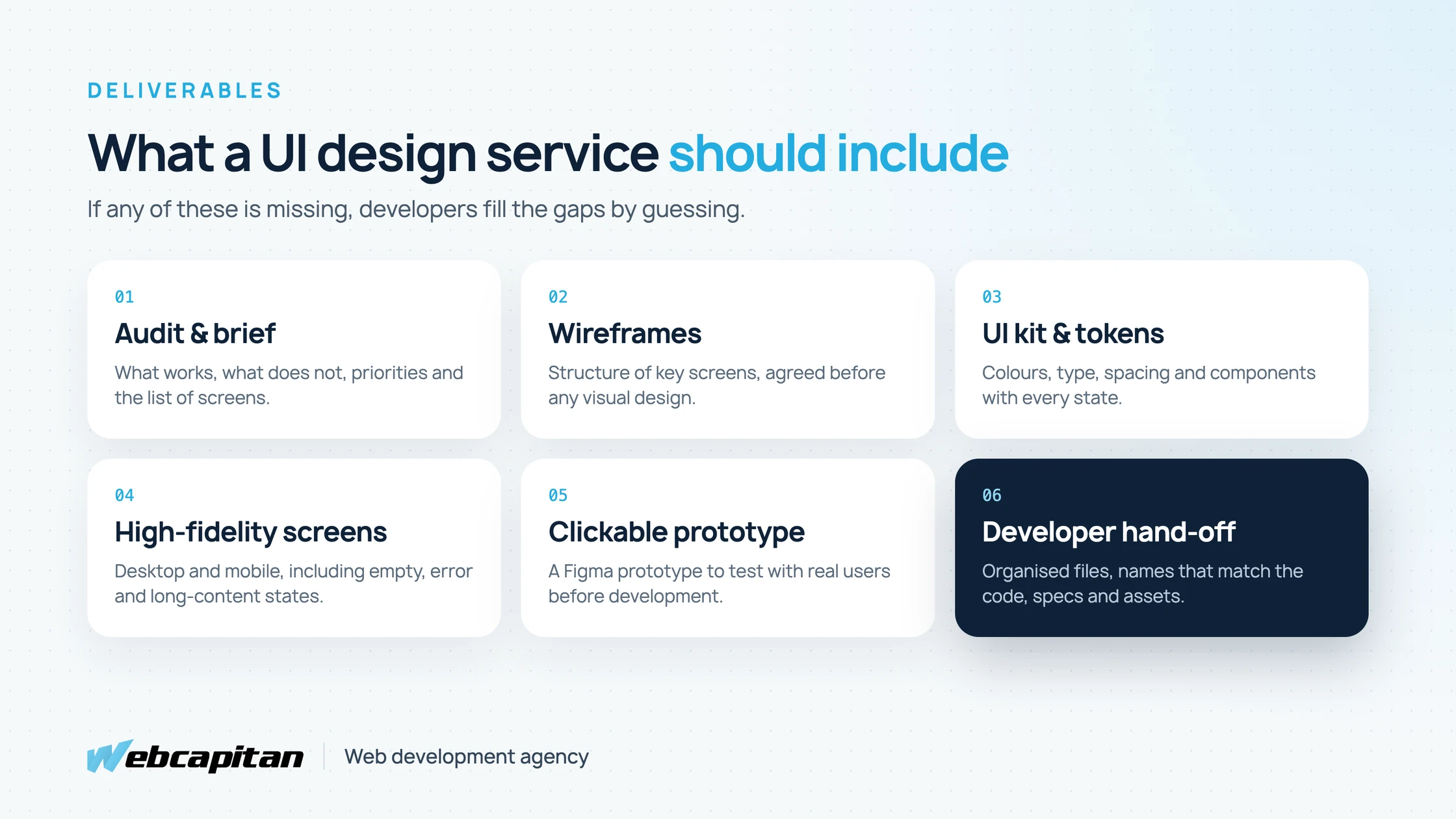
What you should receive at the end of a professional UI design project.
- Audit or brief review. What works and what does not in the current interface, with screenshots and priorities.
- Wireframes for the key screens, agreed before any visual design starts.
- UI kit and design tokens: colours, type scale, spacing, shadows, icons, buttons, inputs, cards, tables, modals and navigation, each with hover, focus, disabled, loading and error states.
- High-fidelity screens for desktop and mobile, including empty, error and long-content states, not only the happy path.
- Interactive prototype in Figma that you can click through and show to real users.
- Developer hand-off: organised Figma files, component names that match the code, spacing and behaviour notes, and exported assets. Our guide to organising Figma files shows what a tidy hand-off looks like.
- Accessibility checks: contrast, focus order, touch target sizes and text alternatives, so the interface meets WCAG 2.2 AA.
How a UI Design Project Works
A typical UI design project for a business website takes two to four weeks, and the interface for a web app four to eight weeks, in five stages.
- Discovery (2–5 days). Goals, audience, competitors, brand assets, technical constraints and the list of screens. You leave with a fixed scope and timeline.
- Wireframes (3–7 days). The structure of key screens in grey boxes, so the discussion is about content and flow, not colours.
- Visual direction (2–4 days). Two or three styles applied to one key screen. You choose one direction before the full design starts.
- UI design and prototype (1–4 weeks). All screens and states, built from components, with a clickable prototype. Two review rounds are usually enough.
- Hand-off and support. A walkthrough with the developers, plus answers and small fixes during development.
The most common reason projects run late is not design speed but slow feedback. Agree on one decision-maker and fixed review days before the project starts.
How Much Do UI Design Services Cost in 2027?
UI design costs from about $300 for a single landing page to from $700 for a business website and from $1,800 for a web app or SaaS interface with an experienced team.
| Project | Typical scope | Cost | Timeline |
|---|---|---|---|
| Landing page | One long page, desktop and mobile, 2–3 sections reused across campaigns | from $300 | 3–7 days |
| Business website | 5–15 unique templates, UI kit, mobile versions | from $700 | 2–4 weeks |
| Web app or SaaS | Dashboard, tables, forms, settings, onboarding, 20–60 screens | from $1,800 | 4–8 weeks |
| Mobile app | iOS and Android screens with native patterns | from $1,300 | 3–6 weeks |
| Design system | Tokens, documented components, usage rules for a growing product | from $900 | 2–4 weeks |
The price depends mostly on the number of unique screens and components, not the number of pages: twenty blog posts use one template, while a settings area with ten different forms needs ten designs. Research, copywriting, illustrations and motion design add to the budget when they are needed.
Hourly rates for senior UI designers range from about $25–$50 with experienced Eastern European teams to $100–$200 with US and UK agencies. A fixed price per stage, agreed after discovery, is usually safer for both sides than an open hourly budget.
What Makes UI Design Good (and Worth Paying For)
Good UI design is measured by what users do, not by how the screens look on Dribbble: fewer support questions, more completed forms, faster tasks and faster development.
- One clear primary action per screen. If everything is highlighted, nothing is.
- Consistency. The same problem is solved the same way everywhere, which makes the product feel simple.
- Real content. Screens are designed with real names, long titles and real numbers, not lorem ipsum that hides layout problems.
- Every state covered: loading, empty, error, success and permissions, the parts that decide whether a product feels finished.
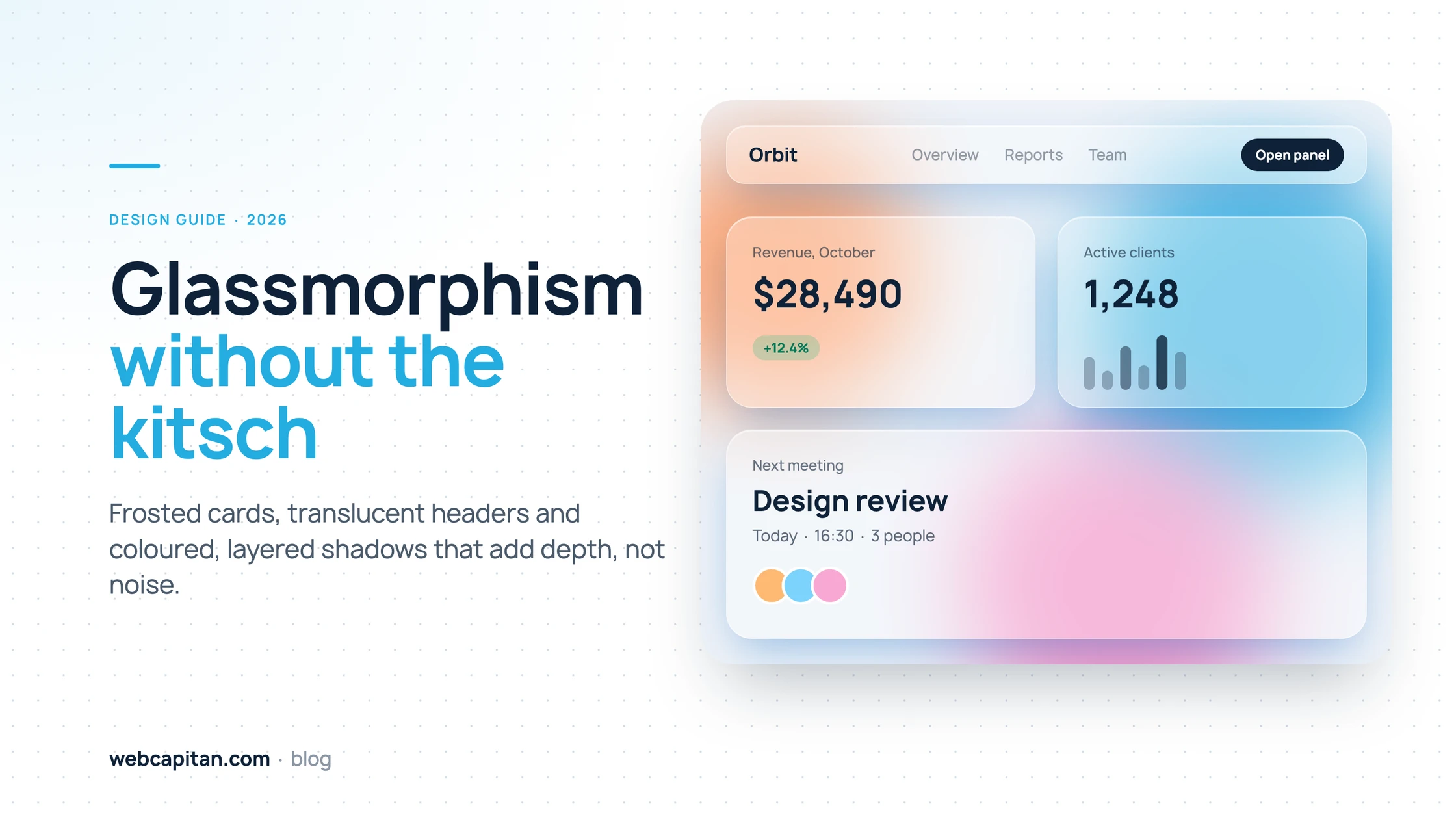
- Restraint with trends. Effects such as glass panels can add depth, but only where they help; our glassmorphism guide shows where that line is.
- Built for developers. Components map to code, so the design ships quickly and stays consistent after launch.
How to Choose a UI Design Team
Choose a team that can show the thinking behind its work, designs every state, and hands off files your developers can build from without a translator.
Before you sign, ask to see:
- A real case with the problem, the process and the result, not only polished mockups.
- A Figma file from a past project (anonymised), to check its structure, naming and components.
- Examples of empty, error and mobile states.
- How they work with developers, and whether they can also build the front end.
- What happens after hand-off: who answers questions and fixes gaps during development.
Red flags: a price quoted before anyone asks about your users and screens, no wireframe stage, "unlimited revisions" (which usually means no process), and designers who have never seen their designs in production.
UI Design and Development in One Team
Hiring design and development from the same team removes the most expensive gap in any project: the hand-off between people who never talk to each other.
When the designer and the front-end developer work together, the design uses components the code can reuse, edge cases are caught early, and nothing is lost between Figma and the browser. That is how we work: web design, app design and development in one team, so the interface you approve is the interface that ships. If you are planning an application rather than a website, our guide to custom web app costs covers the full budget.
Frequently Asked Questions
Do I need UX research before UI design?
Not always. If you know your users and the flows are proven, a short UX review is enough. For a new product or a page with low conversion, a few user interviews and a usability test save money later.
What do I receive at the end of a UI design project?
Figma files with all screens and states, a UI kit with design tokens, a clickable prototype and hand-off notes. You own all of it.
Can you redesign only part of our product?
Yes. Many projects start with the screens that matter most, such as onboarding, checkout or the main dashboard, and extend the new design system step by step.
How many revisions are included?
Usually two review rounds per stage. Clear decisions after the wireframe and visual direction stages keep later revisions small.
Get a UI Design Estimate
Tell us what you are designing, who uses it and how many key screens it has, and we will send a fixed estimate for each stage.
Most business websites we design cost from $700, and web app interfaces from $1,800, with a design system your developers can ship as is.
See our UI/UX design services or tell us about your project.
About the author

CEO & Founder, Webcapitan
Roman Yashchuk founded Webcapitan in 2014 and leads the team of 22 designers and developers in Vinnytsia and London. He works hands-on in UI/UX design, WordPress and PHP/Laravel development, and writes about choosing platforms, costs and keeping websites fast and secure.
All articles by Roman Yashchuk